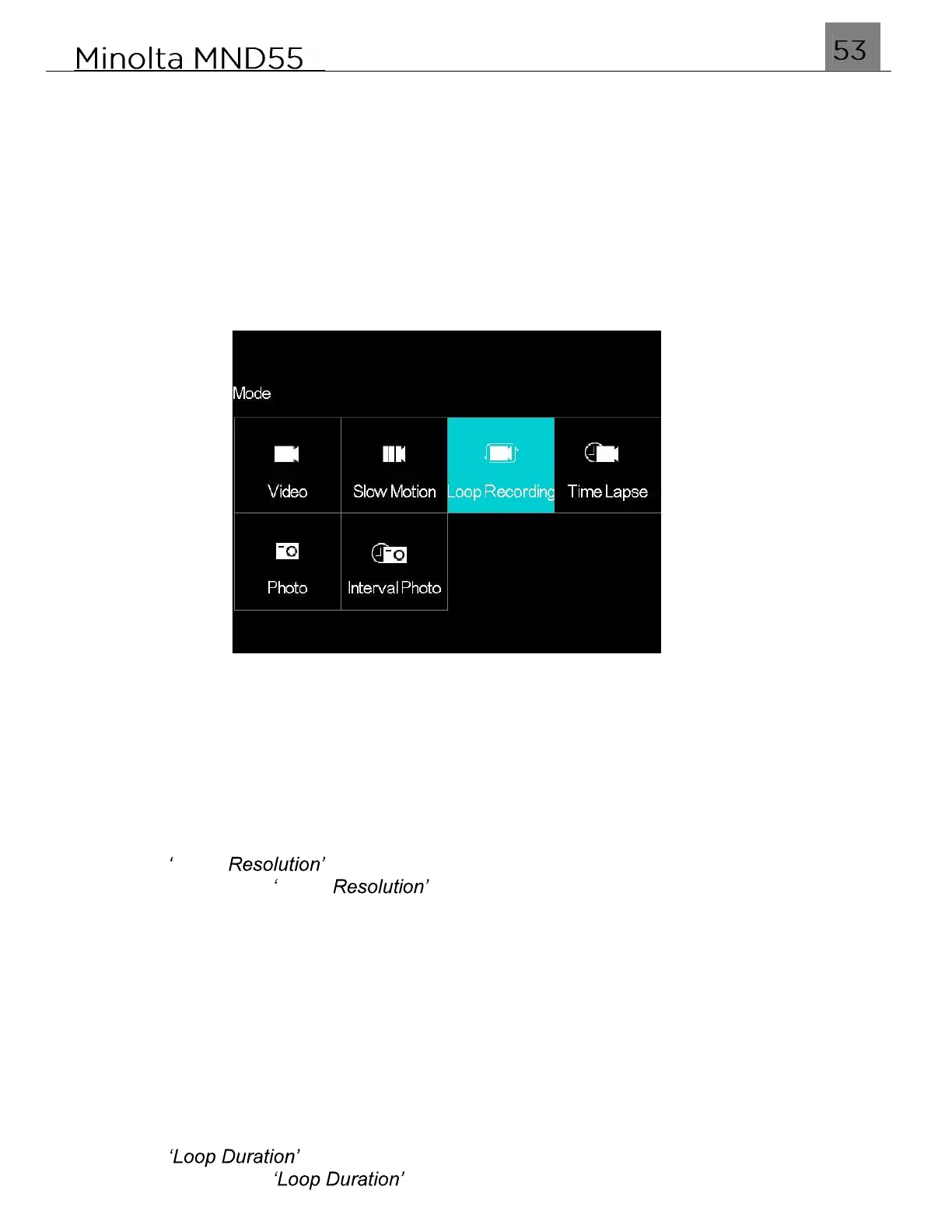
3.5 Loop Recording Mode & Settings Menu
Loop Recording is a video recording mode in which you can set a maximum duration for
each video clip recorded. Once you press the Video Record button, the camera will
continue recording up until the maximum duration and will then automatically begin
recording a new video clip. This cycle will continue until you stop recording, or the
memory card reaches maximum capacity.
To enter Loop Recording mode, power the camera on and press the MODE/OK button.
Use the LEFT or RIGHT buttons to select and press the MODE/OK button to enter Slow
Motion Mode.
3.5.1 Video Resolution
This function sets the video resolution. The higher the resolution, the greater the video
quality and the larger the file size of the video.
1.
In Loop Recording Mode press the MENU button.
2.
Select the Camera icon on the top of the left side of the screen using the UP or
DOWN buttons.
3.
Press the RIGHT button to enter the settings menu.
4.
Select Video using the UP or DOWN buttons and press the MODE/OK
button to enter the Video menu.
5.
Use the UP or DOWN buttons to navigate the menu, and press the MODE/OK button
to confirm your selected resolution (4K 60FPS, 4K 30FPS, 1080P 120FPS).
6.
Press the MENU button to exit the settings menu without making a selection.
3.5.2 Loop Duration
This function sets the video resolution. The higher the resolution, the greater the video
quality and the larger the file size of the video.
1.
In Loop Recording Mode press the MENU button.
2.
Select the Camera icon on the top of the left side of the screen using the UP or
DOWN buttons.
3.
Press the RIGHT button to enter the settings menu.
4.
Select using the UP or DOWN buttons and press the MODE/OK
button to enter the menu.



 To Next Page