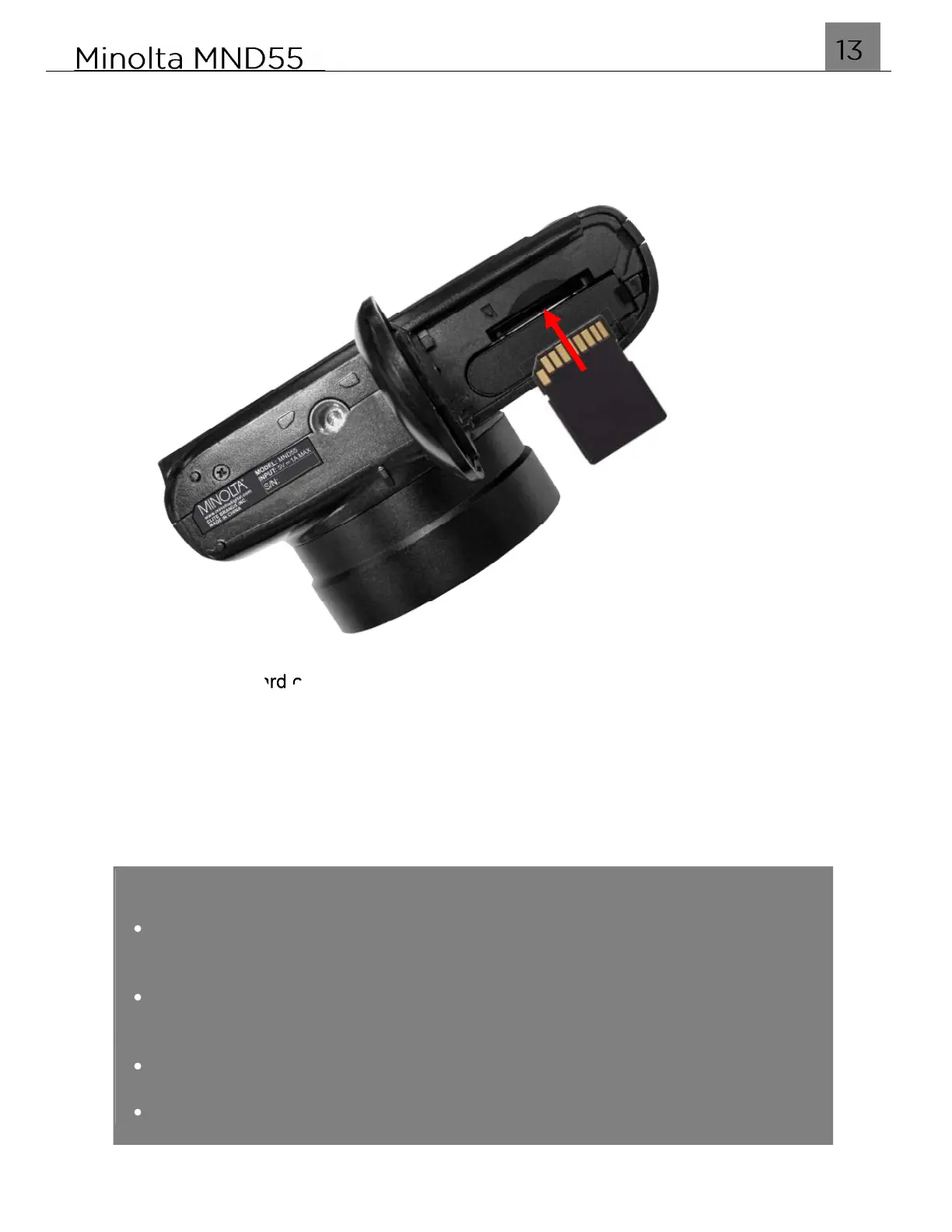
1.6 Installing the Memory Card
Insert the SD memory card into the battery compartment with the metal contact facing
up as shown in the diagram below. Push the memory card in until you hear an audible
click.
The SD memory card can only be inserted in one way. Do not force the card in if it will
not go in smoothly. If it is not inserting smoothly, then it is likely being inserted
incorrectly.
To remove the SD memory card, simply push the card in and the card will eject back out.
NOTE:
Format the memory card before using the camera (Caution: this will erase
all data on the card).
Do not remove or insert the memory card when recording. It may damage
the card or cause data loss.
Memory card rating must be Class 10 or above.
Maximum capacity SD supported is 128GB.



 To Next Page