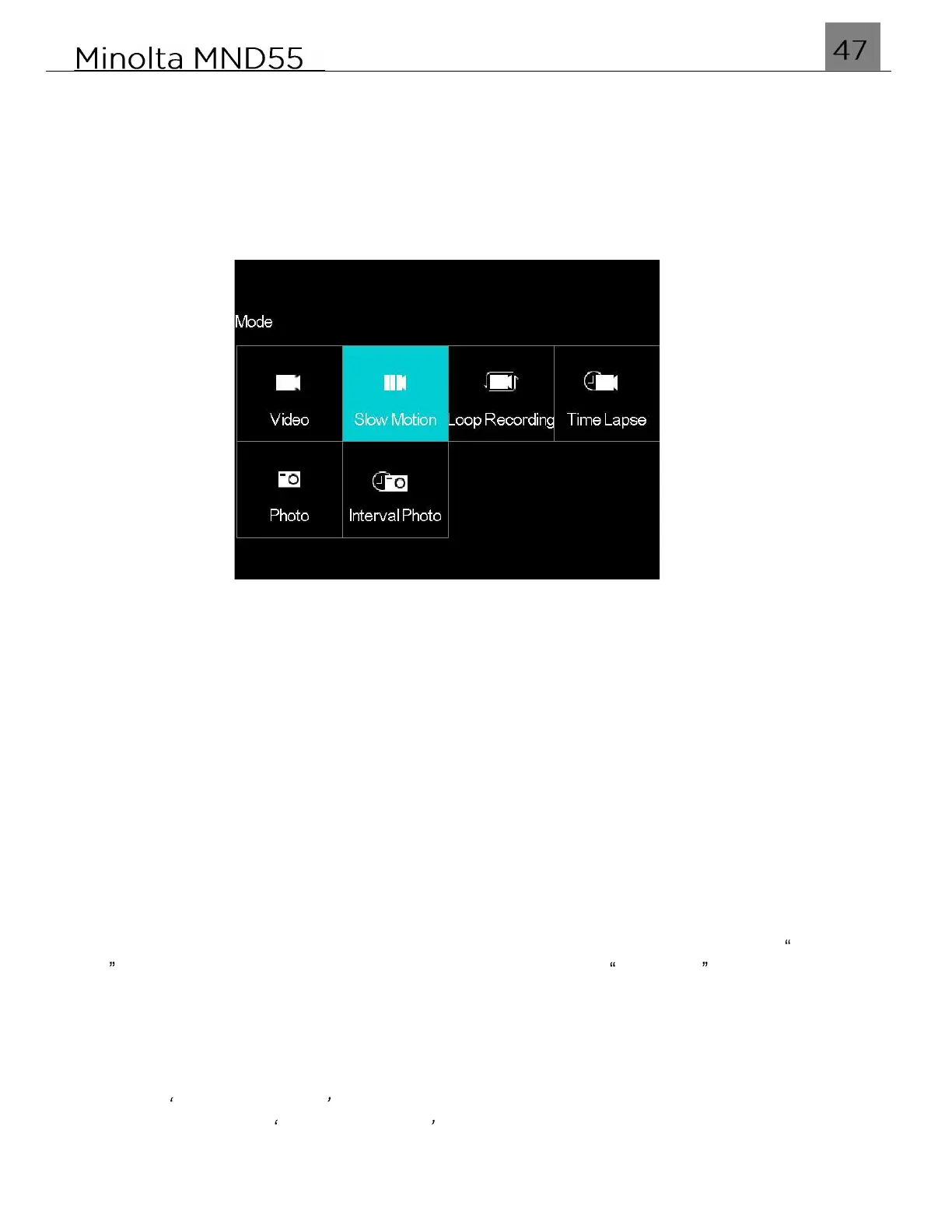
3.4 Slow Motion Mode & Settings Menu
Videos recorded in slow motion are recorded at a much higher frames per second and
when played back, show movement at a much slower rate.
To enter Slow Motion mode, power the camera on and press the MODE/OK button. Use
the LEFT or RIGHT buttons to select and press the MODE/OK button to enter Slow
Motion Mode.
1.
Line up your shot by looking at the LCD screen to see what is in the shot.
2.
Press the SHUTTER button halfway to focus on the subject. When the focus frame
turns green, press the Video Record button to begin recording.
3.
When half-pressing the SHUTTER button, the lens will attempt to focus on your
intended subject. Once a satisfactory focus is achieved, the monitor will display a
green rectangle to notify you that it has a achieved a clear focus. If the monitor
displays a red rectangle, then the lens cannot achieve a clear focus and you need to
adjust your shooting distance or the video will capture blurry.
4.
When recording begins, a rolling timer will display at the top right corner of the screen
and the LED status light will blink blue. This indicates the recorded video time
elapsed.
5.
Press the Video Record button to stop recording. The recorded video files will
automatically save onto the inserted memory card.
3.4.1 Slow Motion Rate
This function allows you to set the rate that the video is recorded in. If you select 1080P
4X , your video will playback at 1/4 speed and if you choose 1080P 2X , then your
video will playback at 1/2 speed.
1.
In Slow Motion Mode press the MENU button.
2.
Select the Camera icon on the top of the left side of the screen using the UP or
DOWN buttons.
3.
Press the RIGHT button to enter the settings menu.
4.
Select Slow Motion Rate using the UP or DOWN buttons and press the MODE/OK
button to enter the Slow Motion Rate menu.
5.
Use the UP or DOWN buttons to navigate the menu, and press the MODE/OK button
to confirm your selected resolution (1080P 4X, 1080P 2X).
6.
Press the MENU button to exit the settings menu without making a selection.



 To Next Page