1.7 Charging the Battery
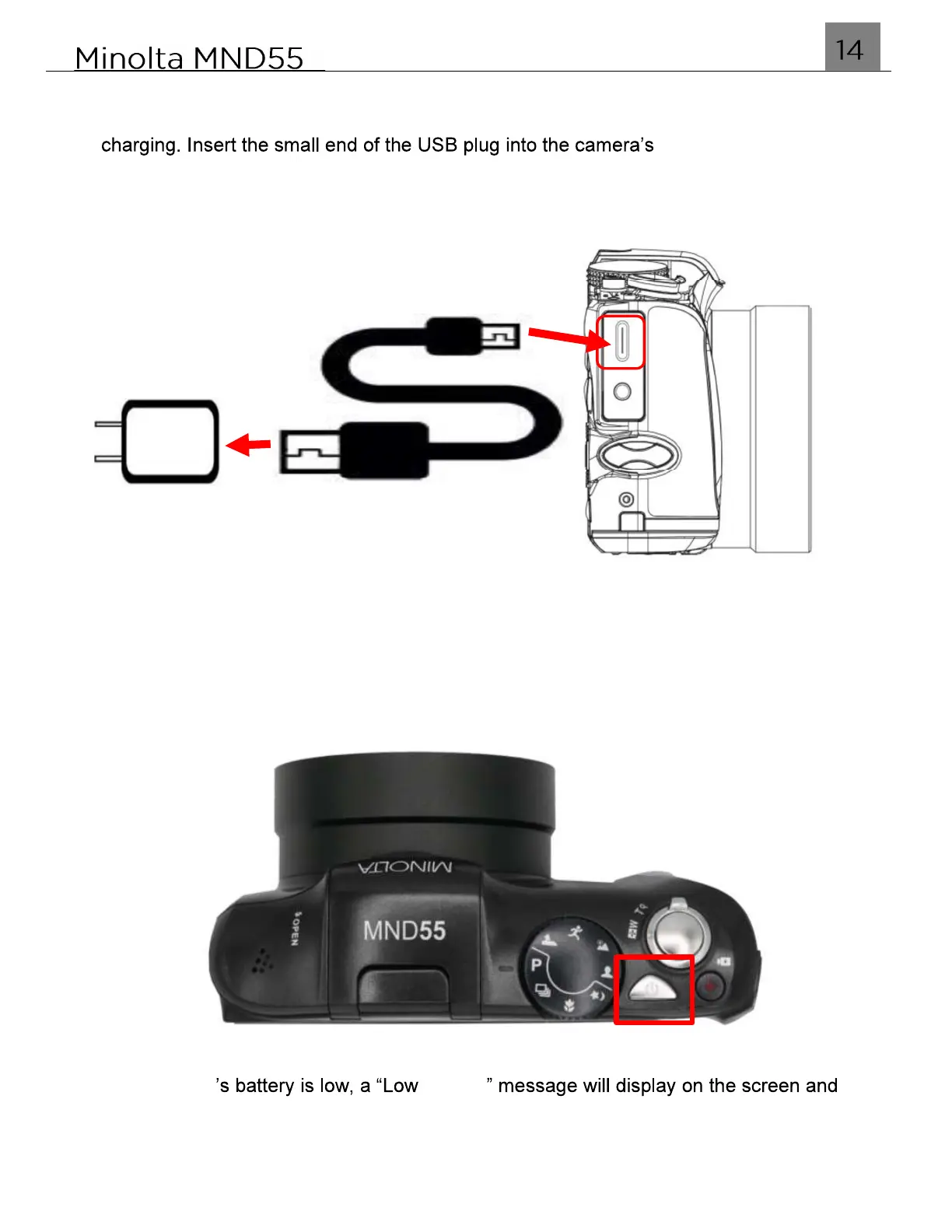
Connect your camera to the included AC adaptor with the USB-C cable provided for
USB-C port under the
protective door as shown in the figure below. Plug the larger end in to the included AC
adaptor. While charging, the LED indicator light will light up solid red and will turn off
once charging is completed.
1.8 Powering the Camera On and Off
Hold the POWER button for 3 seconds to power the camera on. To power the camera
off, press and hold the POWER button for a further 3 seconds.
If the camera Battery
it will automatically shut down within a few seconds to prevent corruption or loss.



 To Next Page