2.6 Using the Built-in Flash
The flash provides supplemental light for the scene. It is also suitable for metering and
shooting in darker scenes to improve the exposure.
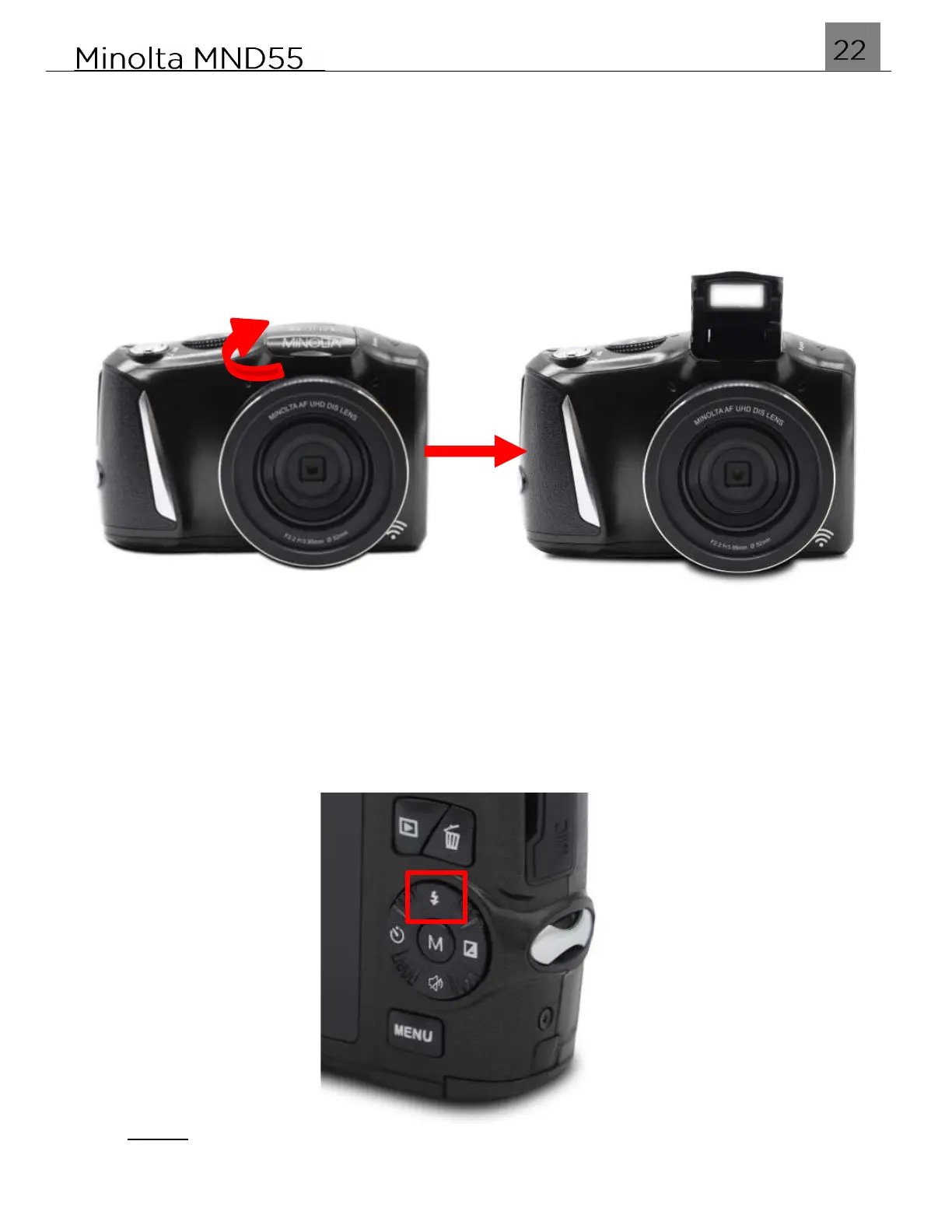
1. Pop the flash up manually as shown below:
2. Press the UP / FLASH button to enter the Flash menu and cycle through the Auto,
Forced, and Off.
NOTE:
Flash is not available when recording a video.



 To Next Page