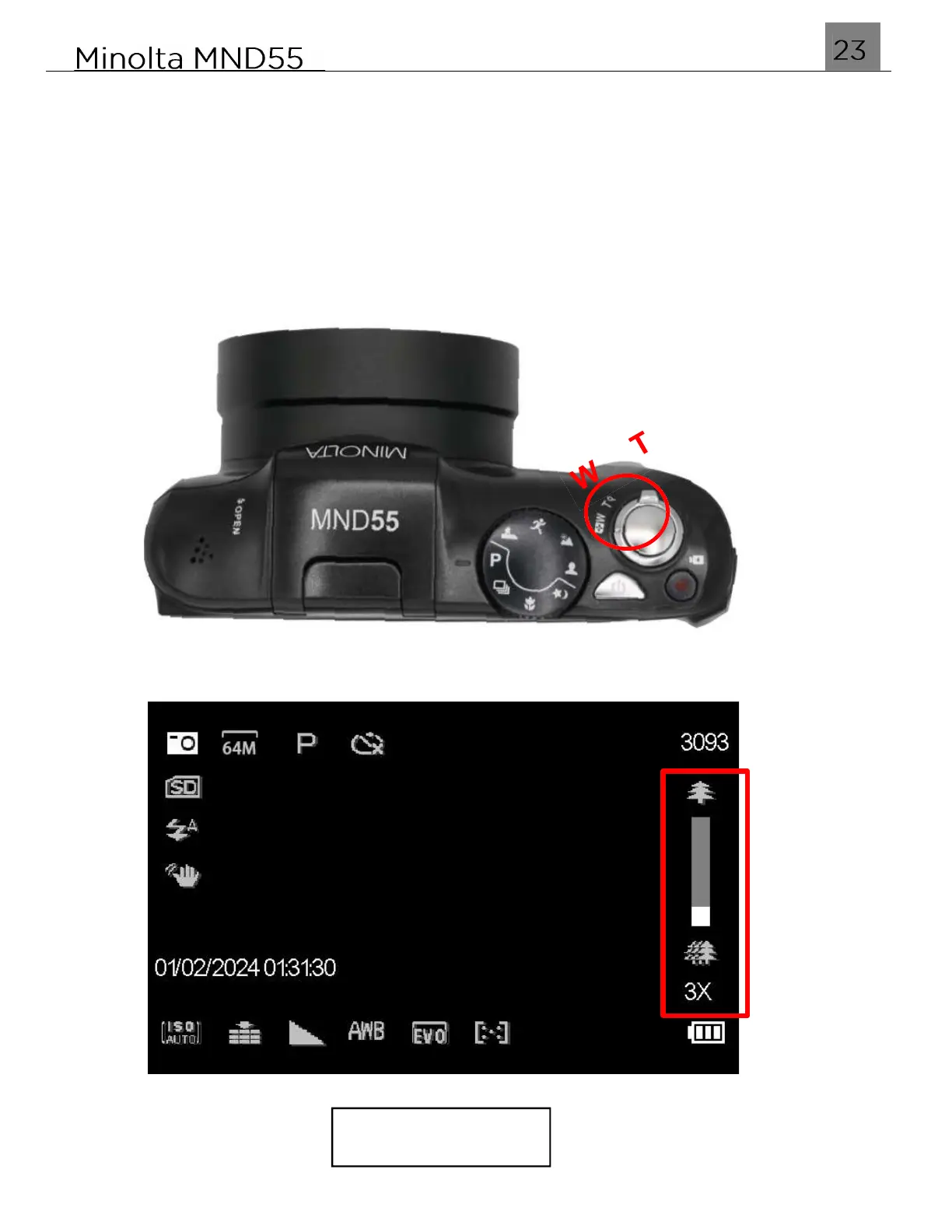
2.7 Using the Zoom Function
The MND55 is equipped with an autofocus lens and a digital zoom function. Digital
zoom enlarges your image electronically by cropping and enlarging the central part
of the photograph.
To operate the zoom function, push and hold the T(ele) button lever to zoom in closer
to the subject, and push and hold the W(ide) button lever to zoom out, away from the
subject.
Zoom Active



 To Next Page