1.9 Connecting to a Computer
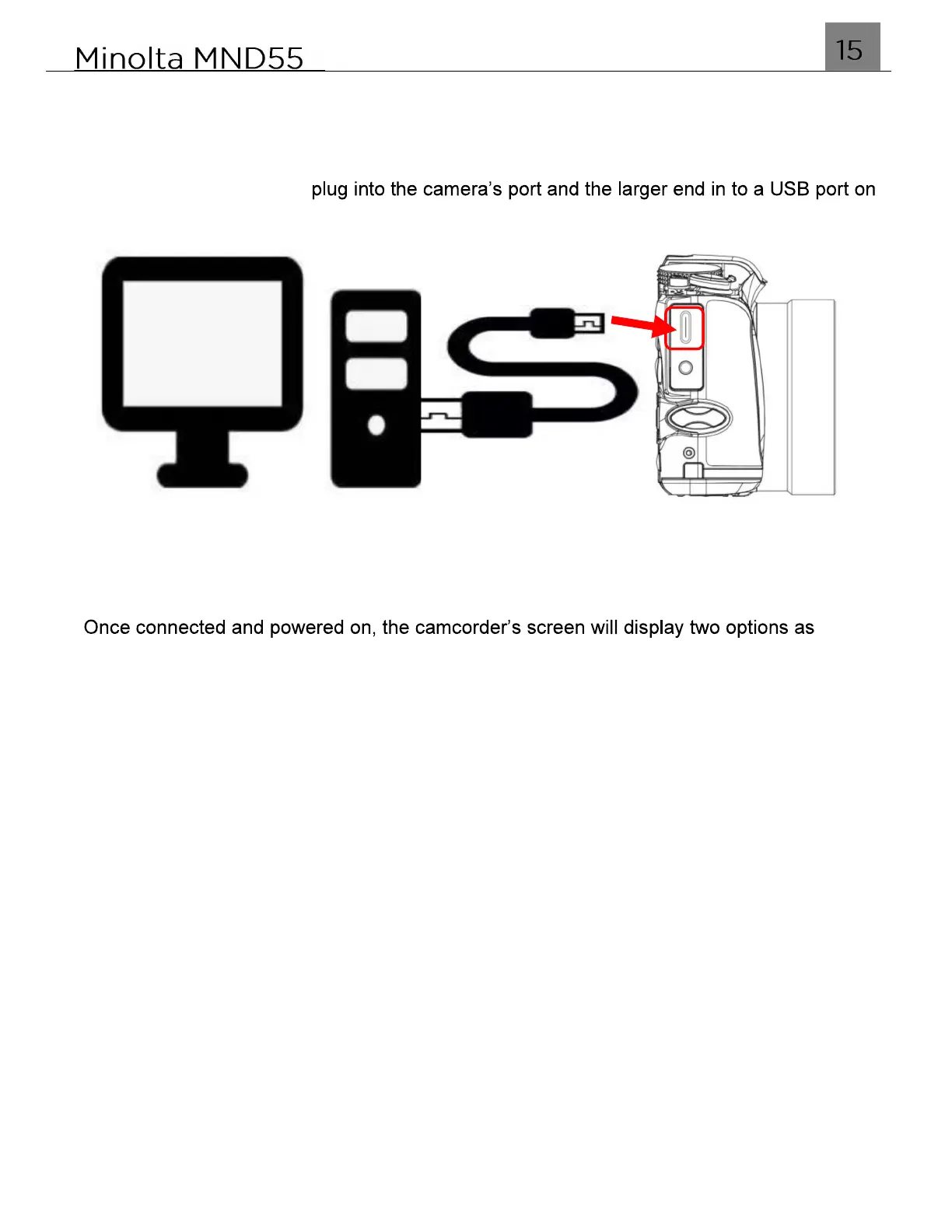
Your camera can connect to a computer to transfer photo and video files for viewing and
editing, or to use your camera as a PC web cam. To connect the camera to your computer,
open the protective cover on the side of the camera to access the USB-C port. Insert the
small end of the USB-C
your computer.
NOTE: You must plug directly into an integrated USB port and not into a USB peripheral
hub or extension.
follows:
Recharge Battery Only
will allow you to just recharge the battery using your computer as a power source
Mass Storage Mode
will allow you to access the files on the inserted memory card via your computer.
PC Webcam Mode
will allow the camera to function as a PC web cam.
Use the UP or DOWN buttons to select your desired mode and press the OK button to
enter into that mode.
NOTE: When using the camera as a PC Camera, the camera is not able to capture
photos or record video.



 To Next Page