Navigation Panel Displays buttons for playback and trimming clips.
11.4 Four Steps to Create a Video File
Step 1: Determine Video Output Setting
1. On Windows desktop, click Start Programs Video ToolBox 2.0 Home Edition
Video ToolBox 2.0 Home Edition
.
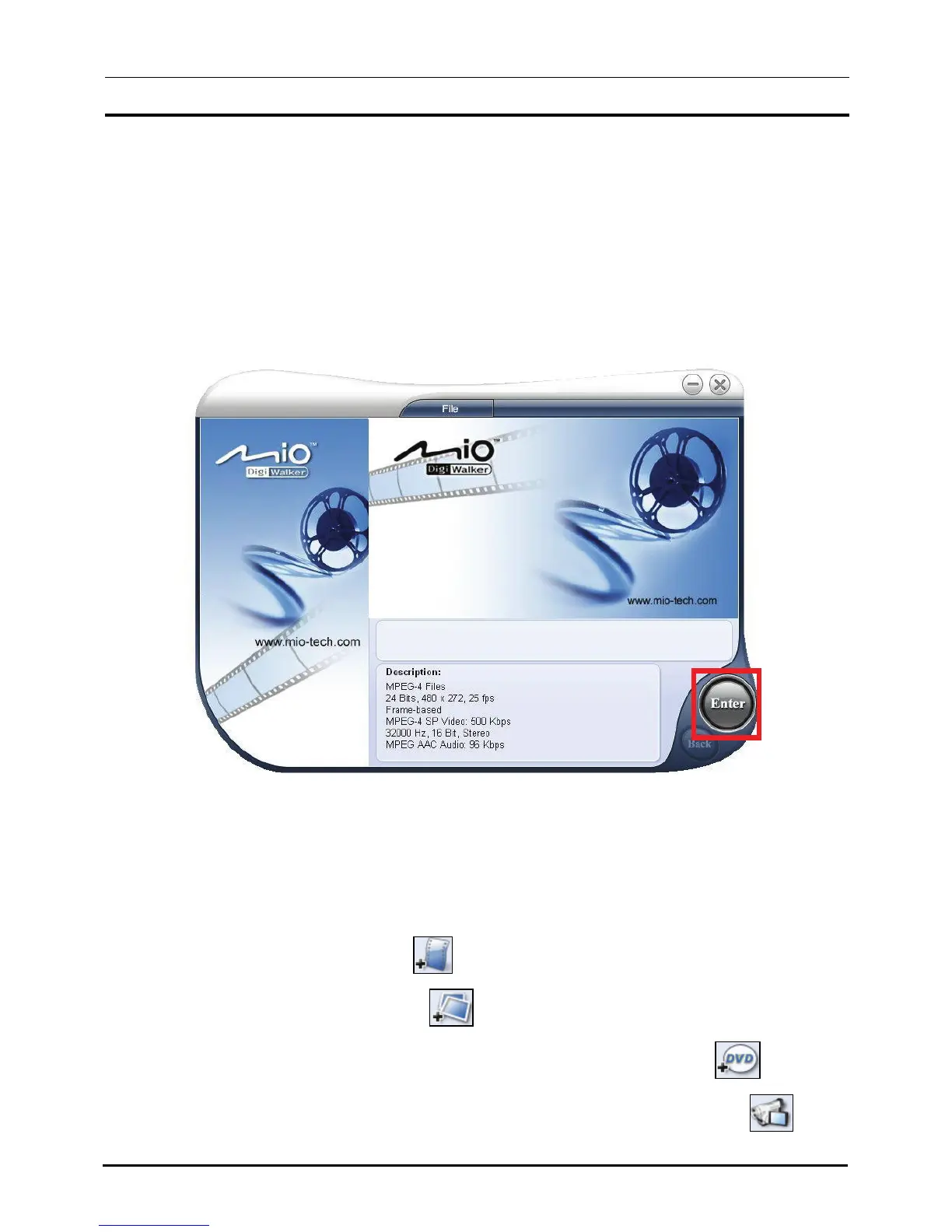
2. On the first screen, click
Enter.
Step 2: Add/Edit Media Clip
3. Click one of the Add Media buttons depending on your media source. (For
detailed information, see sections 11.5 to 11.7.)
To add a video file, click .
To add an image file, click .
To add video from a DVD-Video or DVD-VR discs, click .
To add video from a digital source (e.g. DV camcorder), click .
91



 To Next Page