Trimming a Clip
To split a video clip:
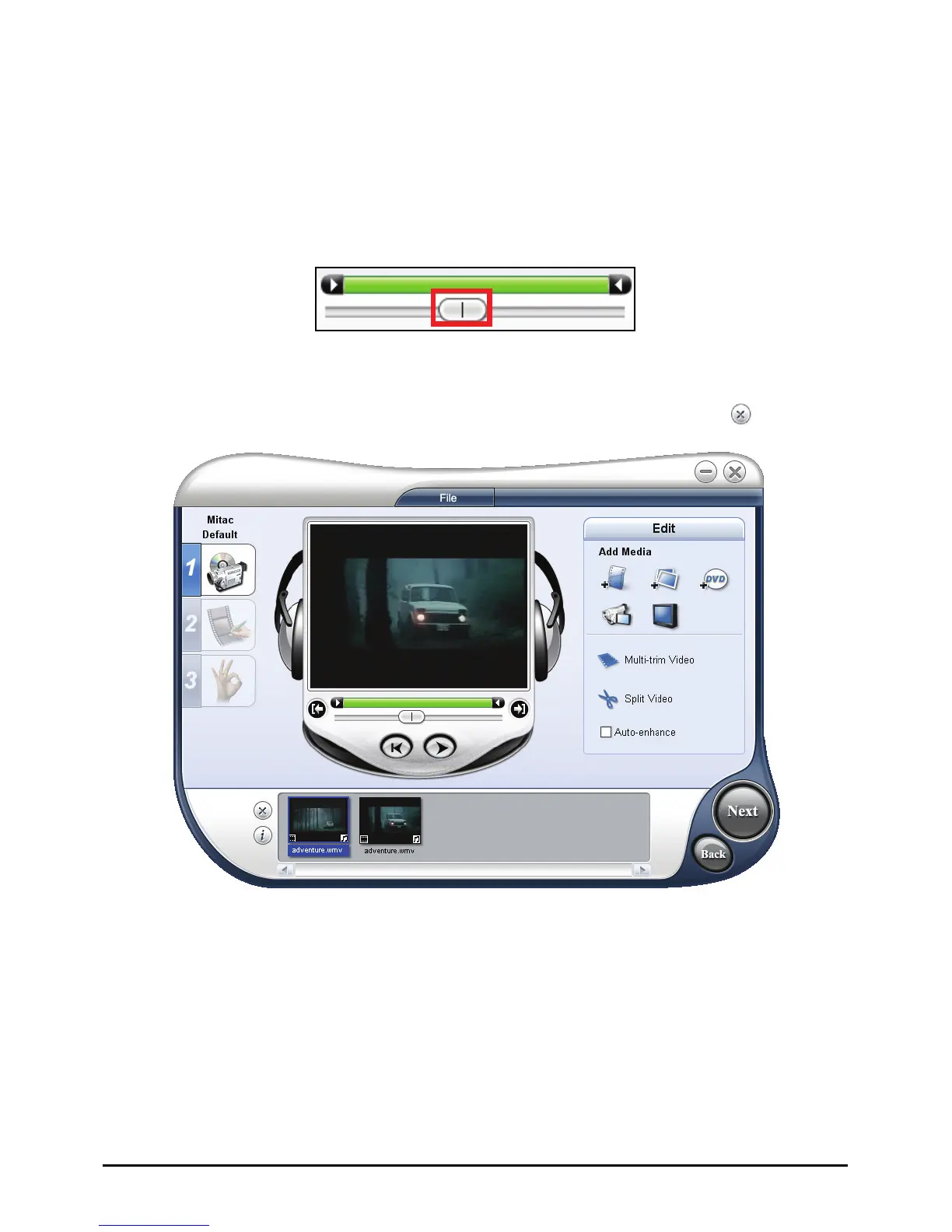
1. Select the clip you want to split on the Media Clip List.
2. Drag the Jog Bar to the point where you want to cut the clip.
3. Click
Split Video to cut the clip into two clips.
To remove one of these clips, select the unwanted clip and click
.
To trim a video clip with the Trim Bar:
1. Select the clip you want to split on the Media Clip List.
2. Click and drag the Trim handles on the Trim Bar to set the Mark-in/Mark-out
points on the clip.
97



 To Next Page