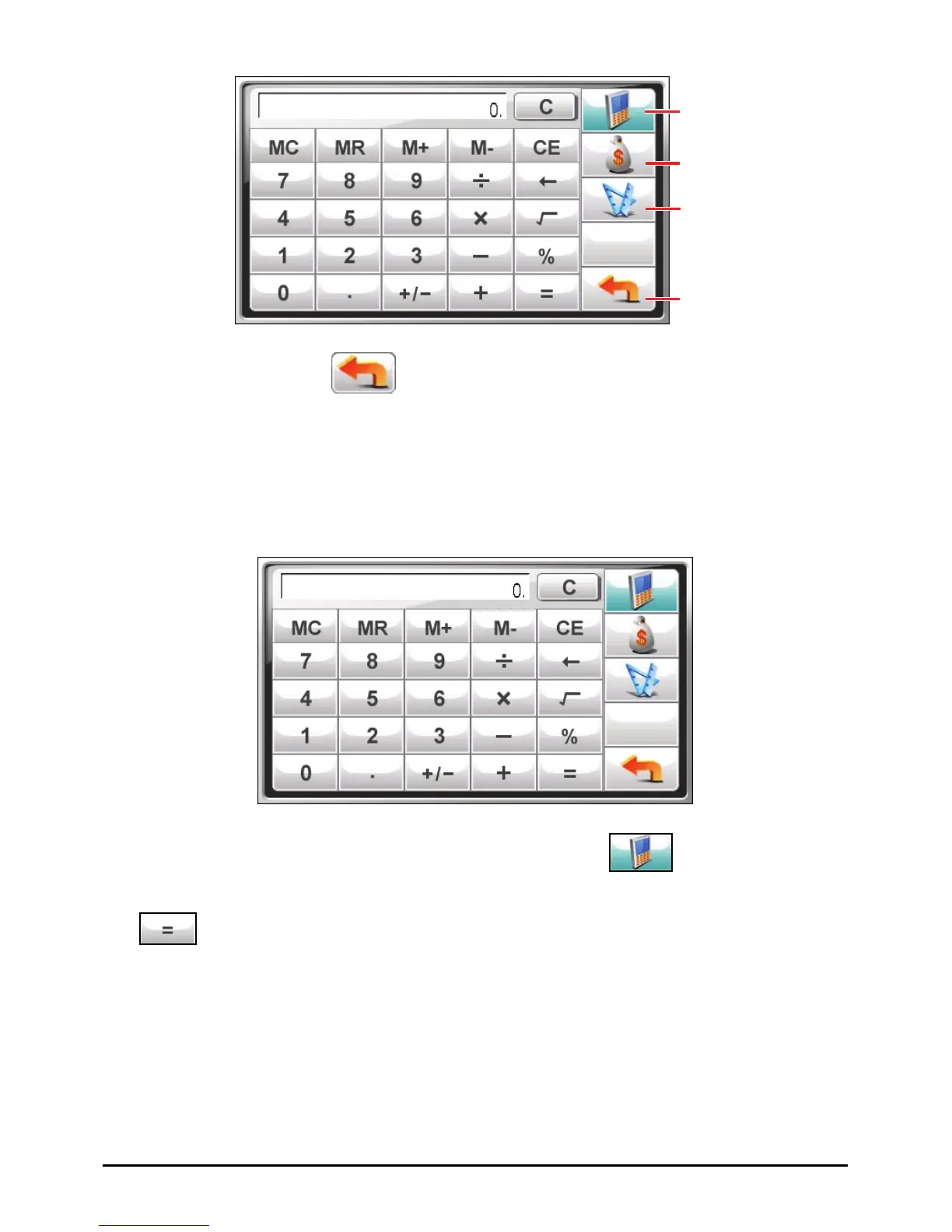
Switch to
Calculator mode.
Switch to Currency
mode.
Switch to Conversion
mode.
Exit
To exit the program, tap
.
7.2 Using the Calculator Mode
The Calculator mode allows you to perform any of the standard operations for
which you would normally use a handheld calculator.
If you are currently not in the Calculator mode, tap the
button.
Tap the numeric keypad to enter numbers and mathematical symbols. Then tap
the
button to generate the result.
58



 To Next Page