11.7 Creating an Image Slideshow
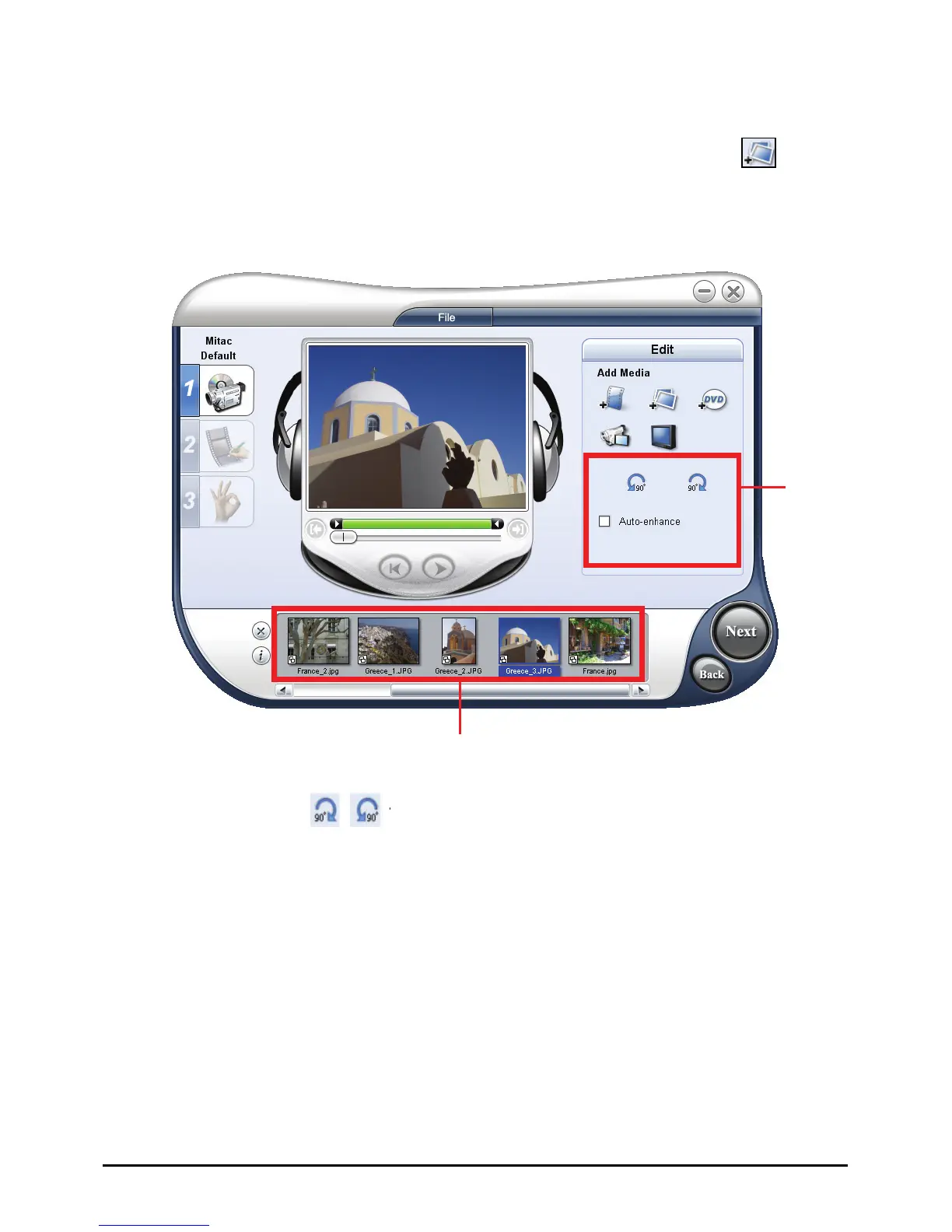
You can create a video slideshow using your images. To create, click
(Insert
Image) and, in the dialog box, select the images (press
Ctrl or Shift to select
multiple files) you want to include in the slideshow and click
Open. The duration
of each image can be set in the Preferences dialog box.
Media Clip List
Editing
tools
Use the rotate buttons
to change the orientation of the selected image.
Rearrange the clips in the Media Clip List by dragging and dropping the clip to the
desired position.
100



 To Next Page