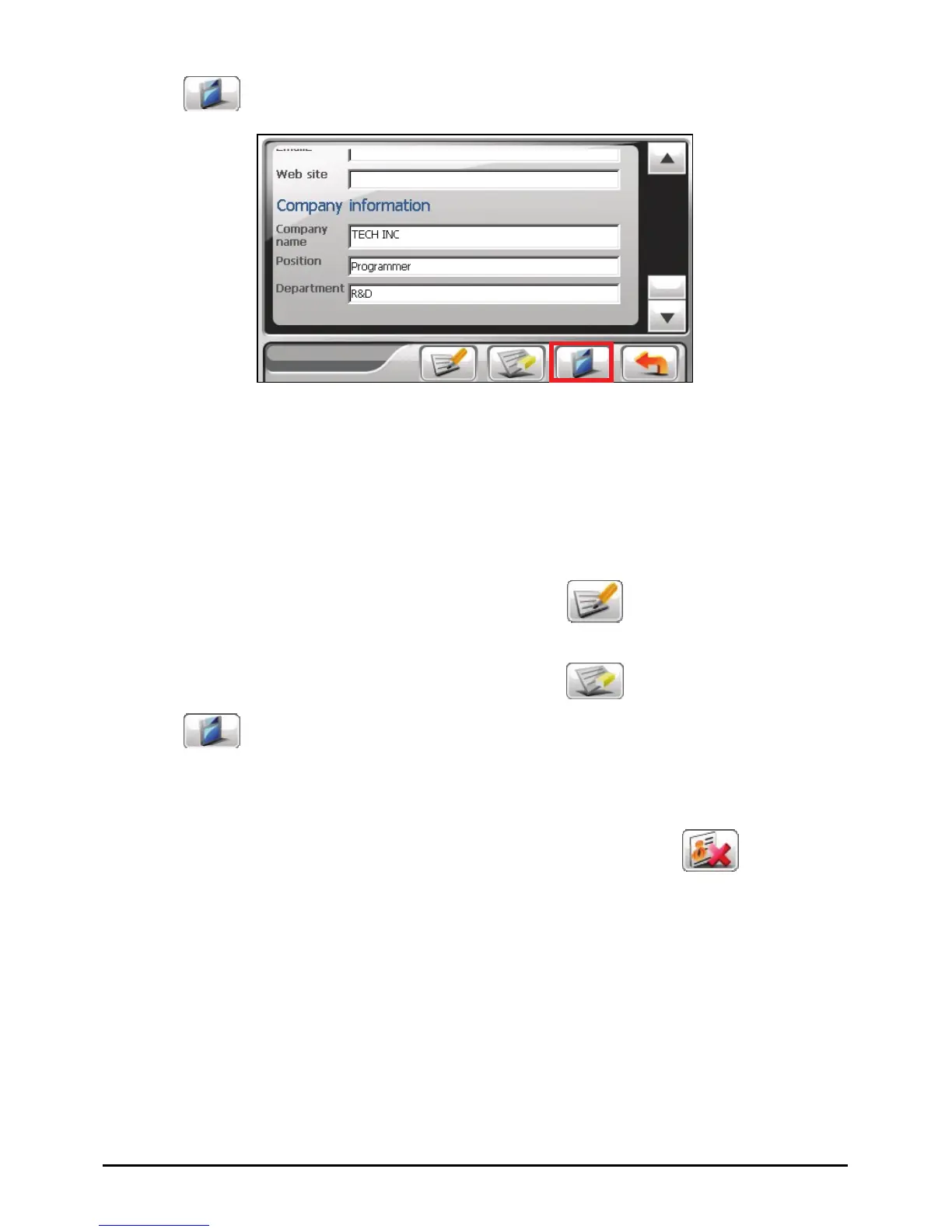
6. Tap save the contact’s information and return to the contact list.
Editing a Contact
To modify a contact’s information:
1. In the contact list, tap the contact twice to open the summary screen.
- or -
In the contact list, tap the contact and then tap
.
2. Tap twice the field you want to edit and use the soft keyboard to edit. If you
want to clear a field, tap the field and then tap
.
3. Tap to save the changes.
Deleting a Contact
In the contact list, select the contact you want to delete and tap .
55



 To Next Page