Zoom Tap the button to zoom in to 1.2x, 1.5x, 1.8x, or 2.0x, or,
after zooming in, to zoom out.
When you have zoomed in the picture, you can drag the
picture to view other parts of the picture.
Back
Goes back to the thumbnail view.
4.6 Viewing the Slideshow
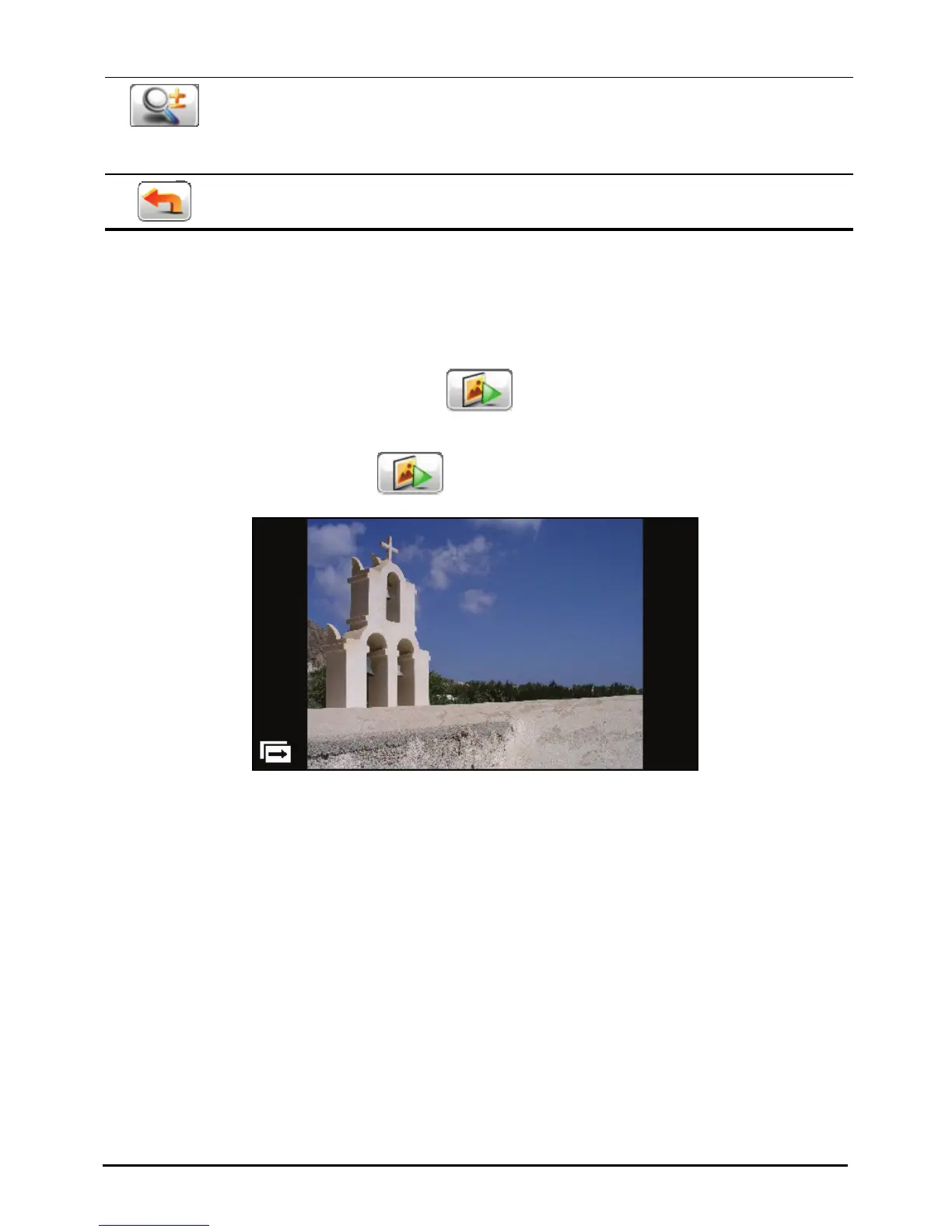
To view the slideshow of all your pictures, use one of the following ways:
When in the thumbnail view, tap
to start the slideshow.
When in full screen, tap anywhere on the picture to display the on-screen
control buttons. Then tap
to start the slideshow.
To stop the slideshow, tap anywhere on the screen.
34



 To Next Page