3 Audio
3.1 Starting and Exiting Audio
Audio features:
11 preset equalizer audio profiles
Audio
Playback of MP3/WAV/WMA files
Basic playback controls such as play, pause, stop, next and previous
Playback includes single selection playback, repeat, single repeat, sampling
playback, normal sequence and random sequence.
Play list support
Background playback
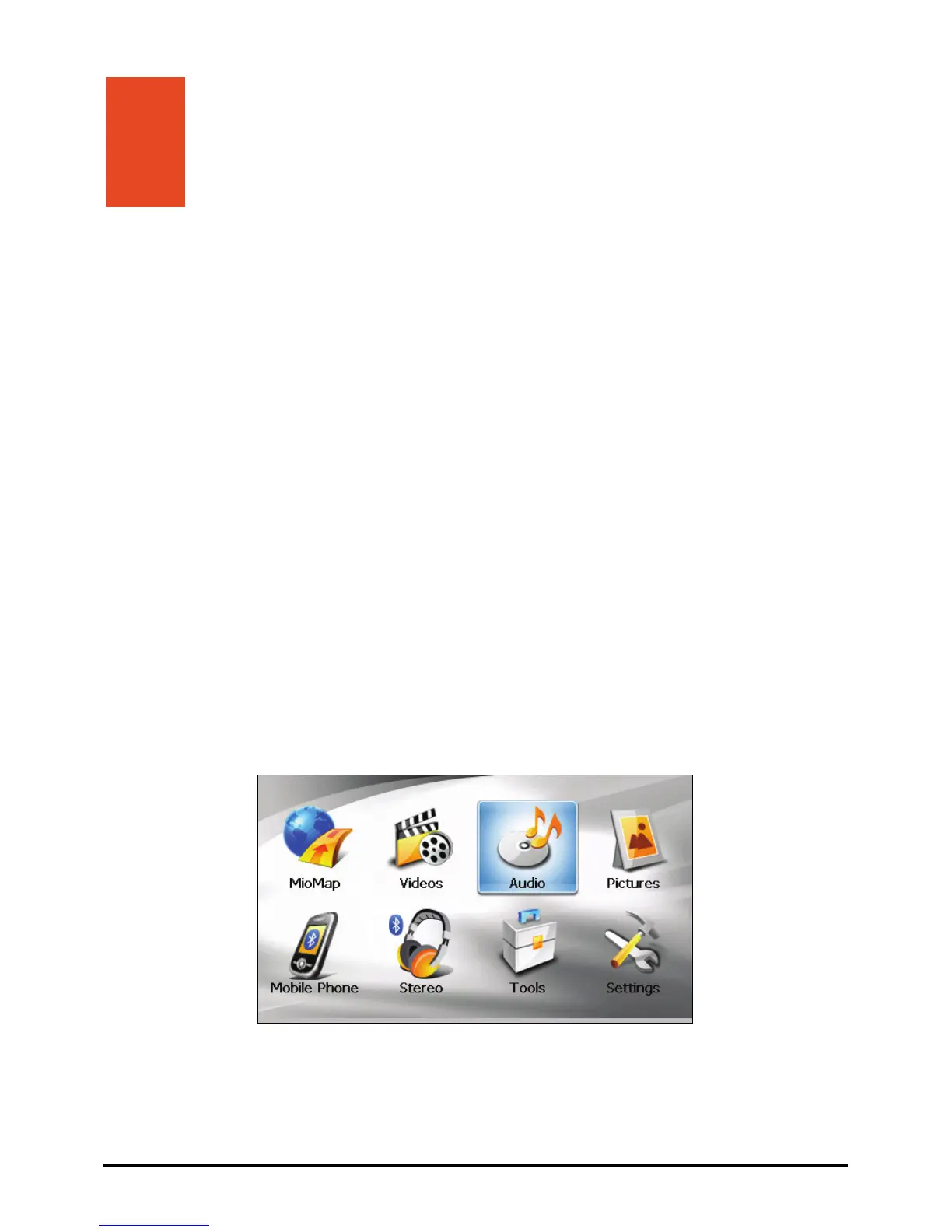
Tap on the Home screen to start the program.
Lyrics display
21



 To Next Page