NOTE:
All shortcuts will be cleared if you shut down the device.
The program can save up to 15 shortcuts. A 16th shortcut will replace the oldest one.
Disconnecting the Mobile Phone
Tap the connected device in the shortcut menu and tap Disconnect when the
message appears asking you to select your operation.
5.3 Phone Operations
Placing a Call
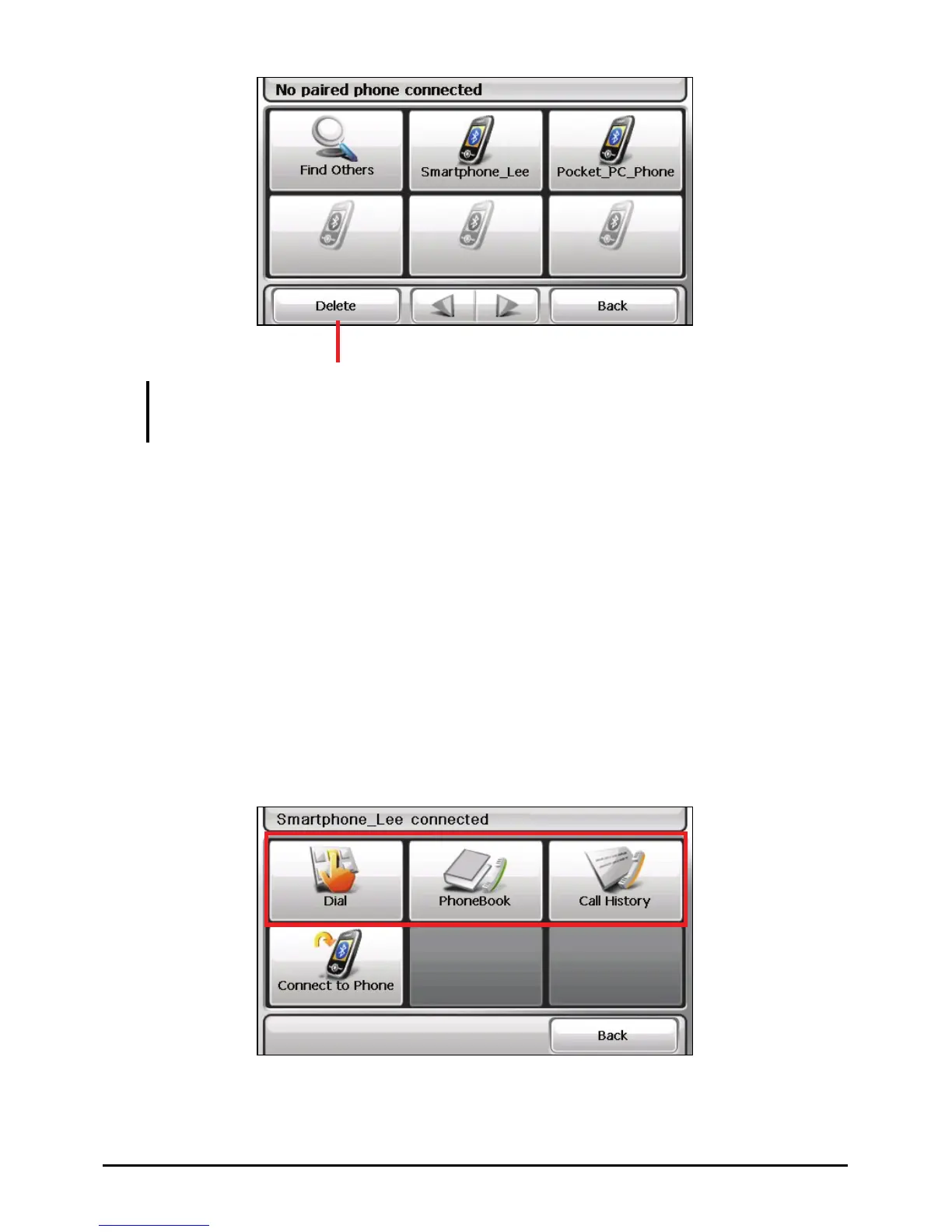
After pairing with a mobile phone (as described in Section 5.2), you can place a
call with the onscreen keypad, phone book, or call history.
Delete the selected shortcut.
40



 To Next Page