1.4 Charging the Battery via the USB Cable
1. Turn on the computer.
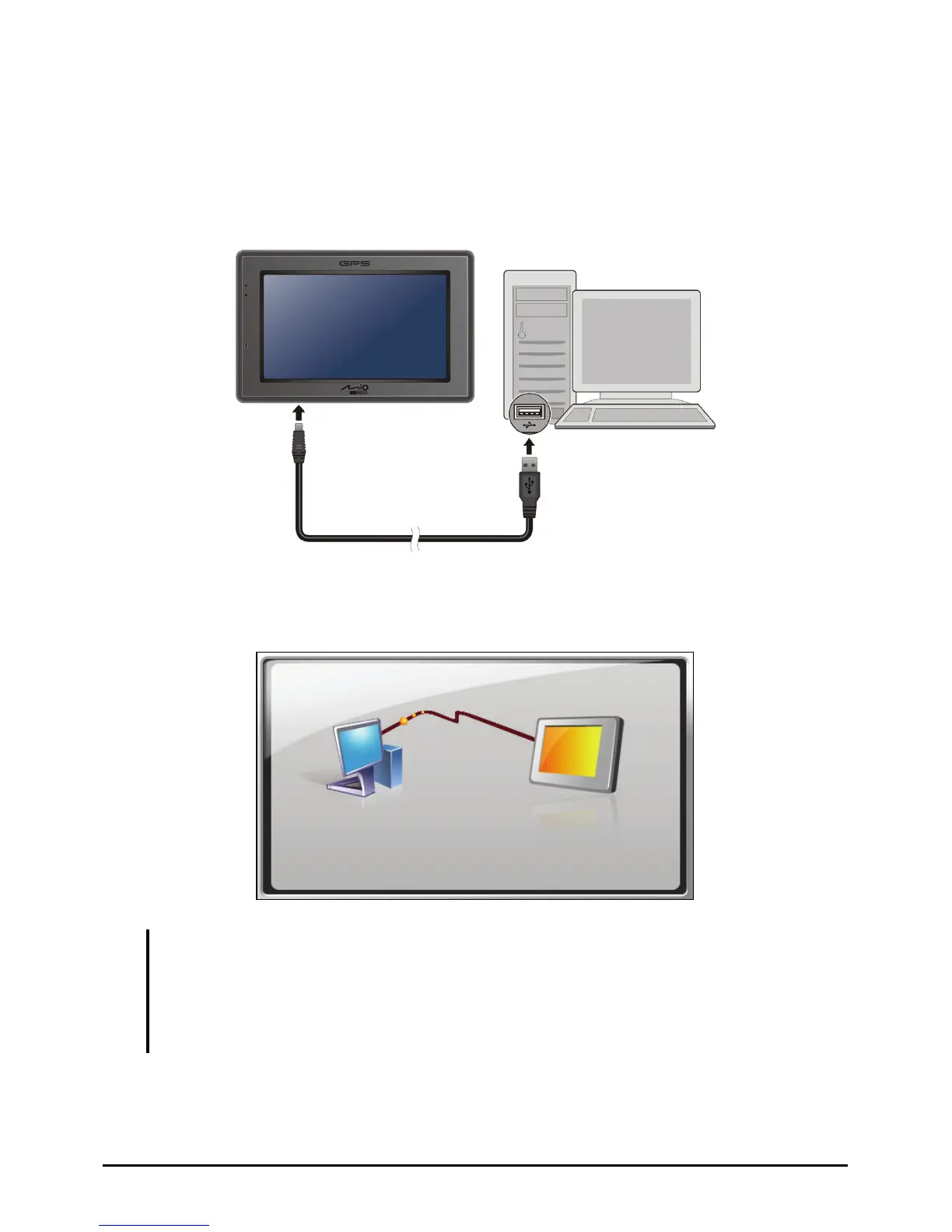
2. Connect the mini-USB end of the USB cable to the bottom of your device and
the other end to a USB port on your computer.
3. If your device is on, the screen as shown below appears. Whenever your
device is connected to a computer, you will not be able to use it.
NOTE:
When the device is connected to a computer, it is recognized as an external mass storage
device. Do not delete any files pre-installed in the device. Deleting files of which the
function is unknown can cause programs or features to malfunction.
If you intend to charge your device in this way, turn off your device so that it takes less time
to charge the battery.
7



 To Next Page