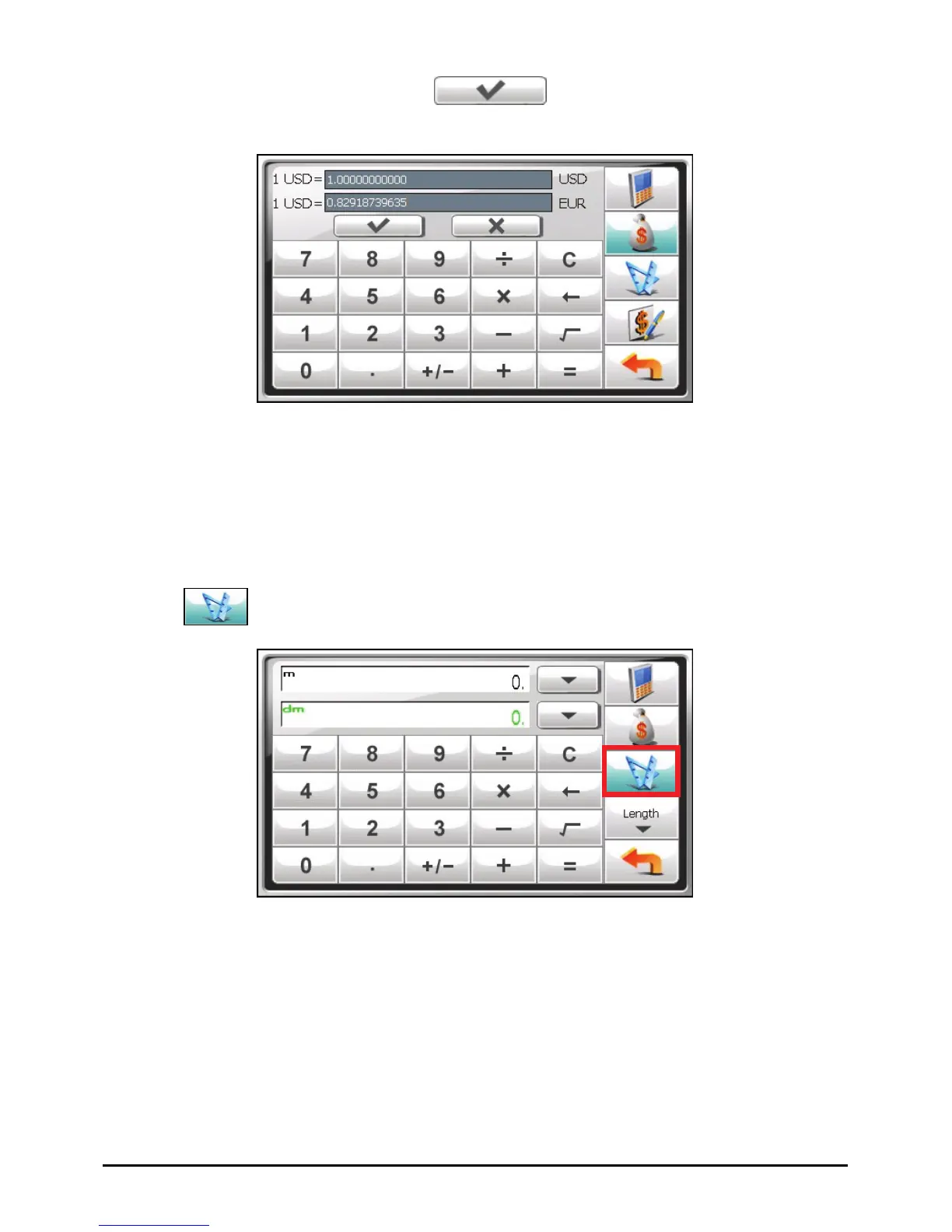
4. Enter the exchange rate and tap to save the changes and go back
to the previous screen.
7.4 Using the Conversion Mode
The Conversion mode allows you to convert measures from one unit to another.
1. Start the Calculator program as described in Section 7.1.
2. Tap
to switch to the Conversion mode.
3. Tap the measure button to display a scroll list of measures. Select the desired
measure from the list.
62



 To Next Page