You can specify how soon your device automatically answers an incoming call. If
you want to manually answer a call, select
Never.
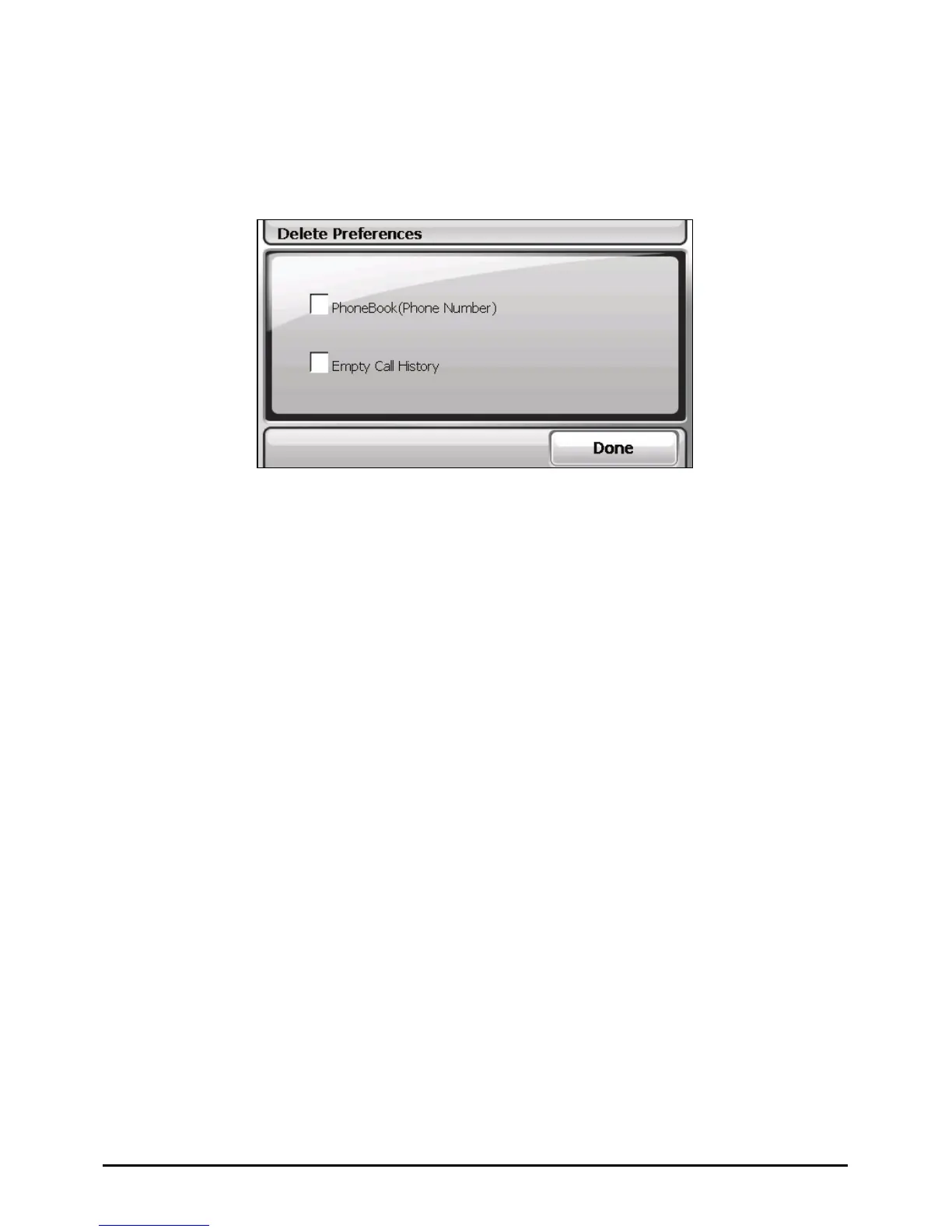
Delete Preferences
Whenever you want to delete particular data as listed below, check the
corresponding item(s) in the “Delete preferences” screen.
Phonebook (phone number)
Empty call history
A message will appear on the screen asking if you want to permanently delete the
data. Tap
OK.
9.9 Restore
To restore the settings to factory default values:
1. Tap the
Settings button on the Home screen.
2. Tap the
Restore button.
79



 To Next Page