Changing the Transition Effect
With multiple video clips or image files in the Media Clip List, default transition
effects are applied to the project according to the style selected.
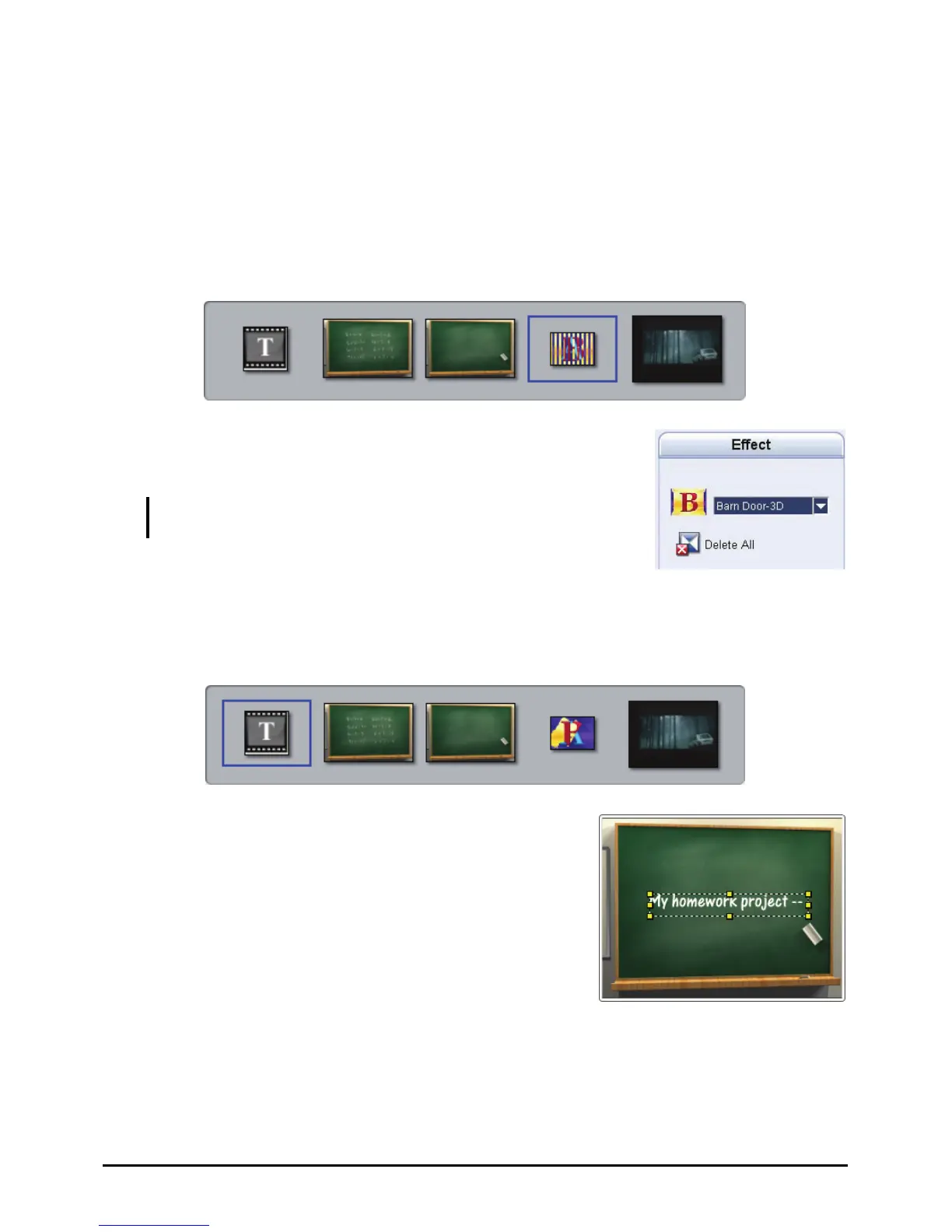
To change the transition effect
1. In the Media Clip List, click the transition effect you want to change.
2. In the Options Panel, select a transition effect from the
drop-down menu.
NOTE: You can click Delete All to remove all transition effects
in the Media Clip List.
Editing Text
3. In the Media Clip List, click the beginning or ending text you want to edit.
4. In the Preview Window, double-click the text
box to edit the text. Click an empty space in the
Preview Window when you are done editing the
text.
102



 To Next Page