4. Click Next. Follow the onscreen instructions to complete the installation.
NOTE: If MioTransfer has already been installed on your computer, clicking Install
MioTransfer will remove the application from your system.
10.2 Starting and Exiting MioTransfer
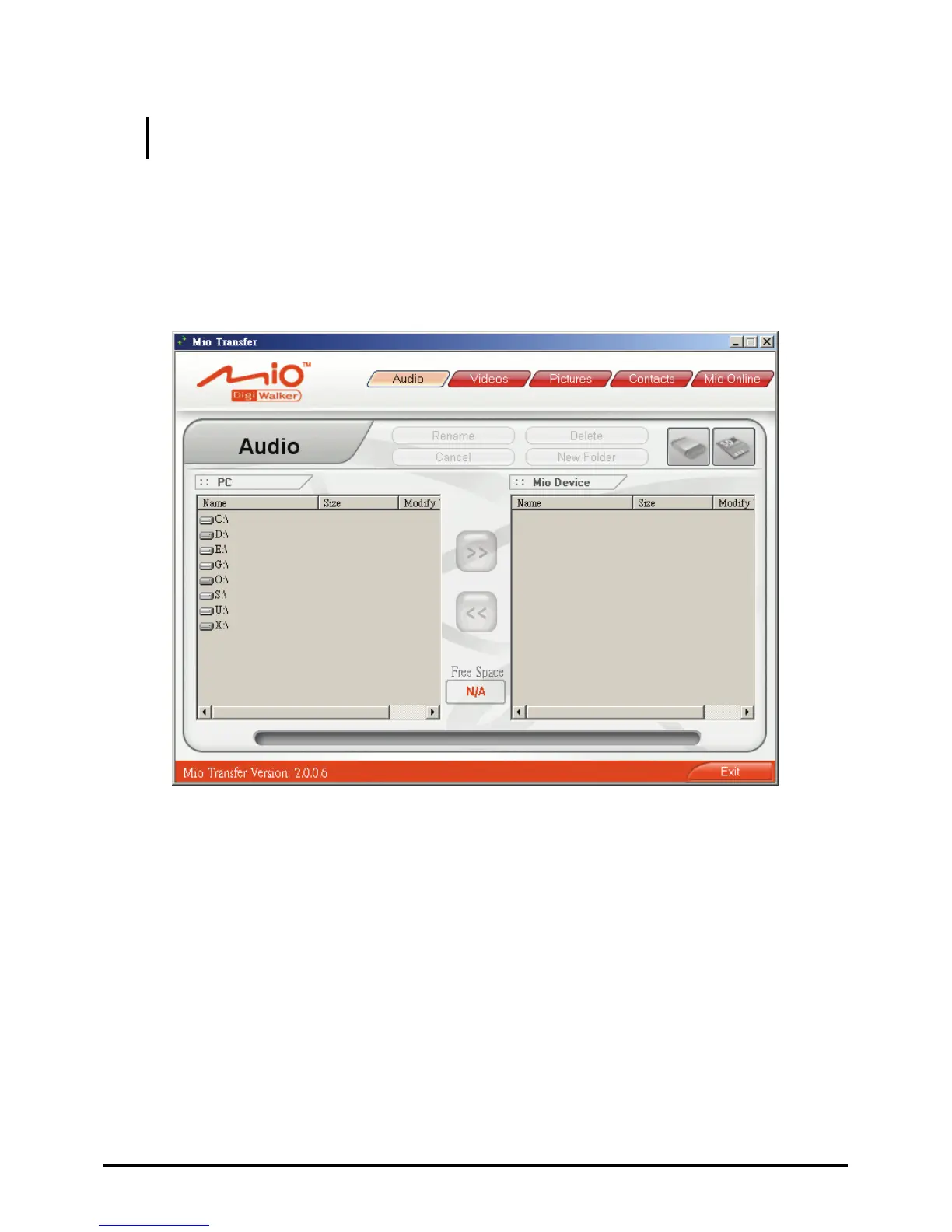
Click MioTransfer icon on the Windows Desktop to start the program. The
MioTransfer screen appears.
It provides the following tools:
Audio
Allows you to transfer the audio files between your device and your
computer. (See Section 10.3 for details.)
Videos
Allows you to transfer video files between your device and your computer.
(See Section 10.3 for details.)
Pictures
Allows you to transfer pictures between your device and your computer. (See
Section 10.3 for details.)
82



 To Next Page