18
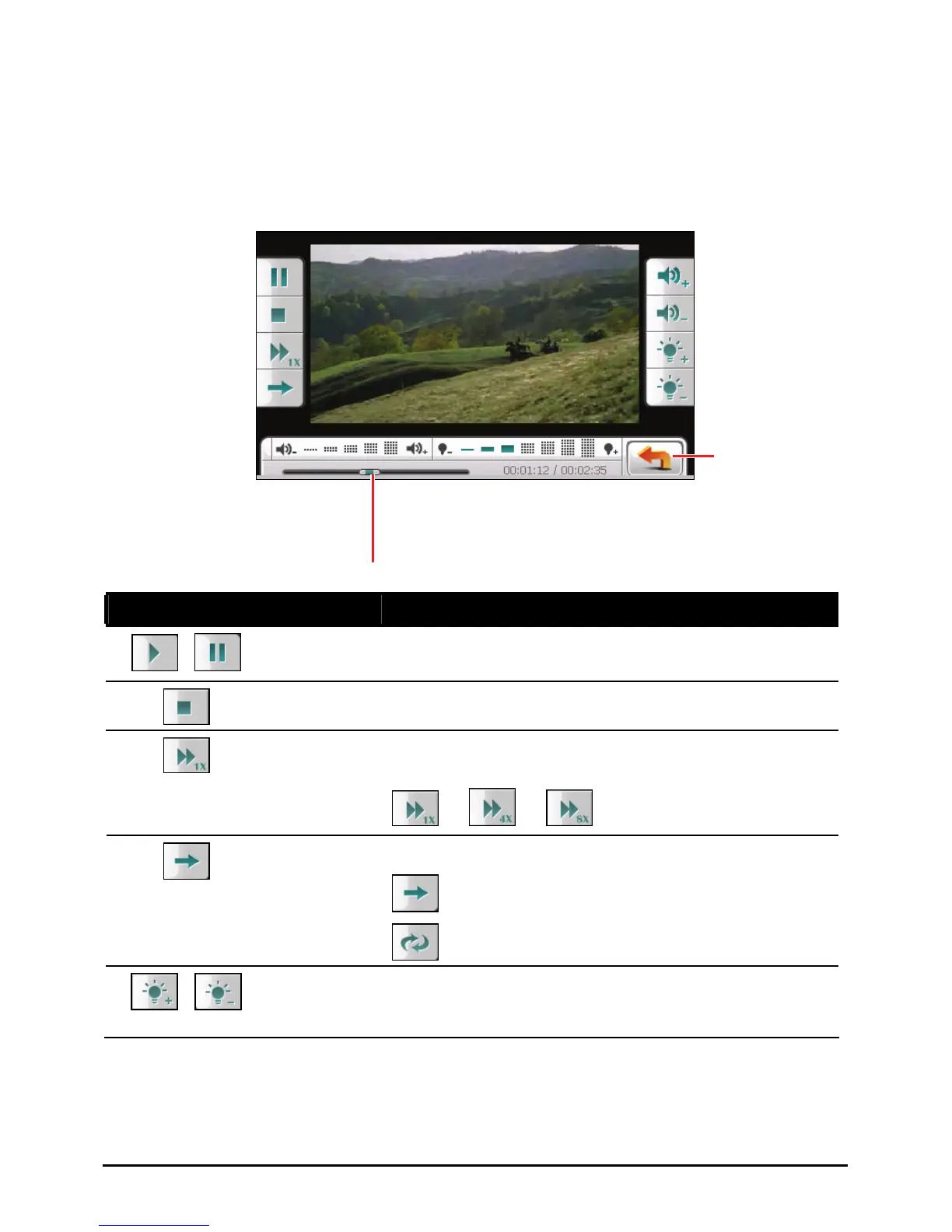
2.4 Video Playback Controls
During the playback, tap anywhere on the screen to open or close the onscreen
control buttons. When the control buttons are closed, the video shows in full
screen.
Control Button Name Description
/
Play/Pause Play or pause the playback.
Stop Stop the playback.
Fast forward the video. Tap the button to switch to
the next option.
Fast
Forward
Æ Æ
Switch to the next mode:
Single playback.
Playback
Mode
Repeated playback.
/
Backlight Increase or decrease the video backlight. The
indicator at the bottom shows the current brightness
level.
Back
You can tap on a point along the
track bar to move directly to a
different location for the playback.



 To Next Page