13 Troubleshooting and Maintenance
nding; or appears to be “frozen” or “locked up.”
Troubleshooting and
Maintenance
13.1 Restart and Shut Down
Occasionally, you may need to reset your device. For example, you should reset
your system when it stops respo
Restarting Your Device
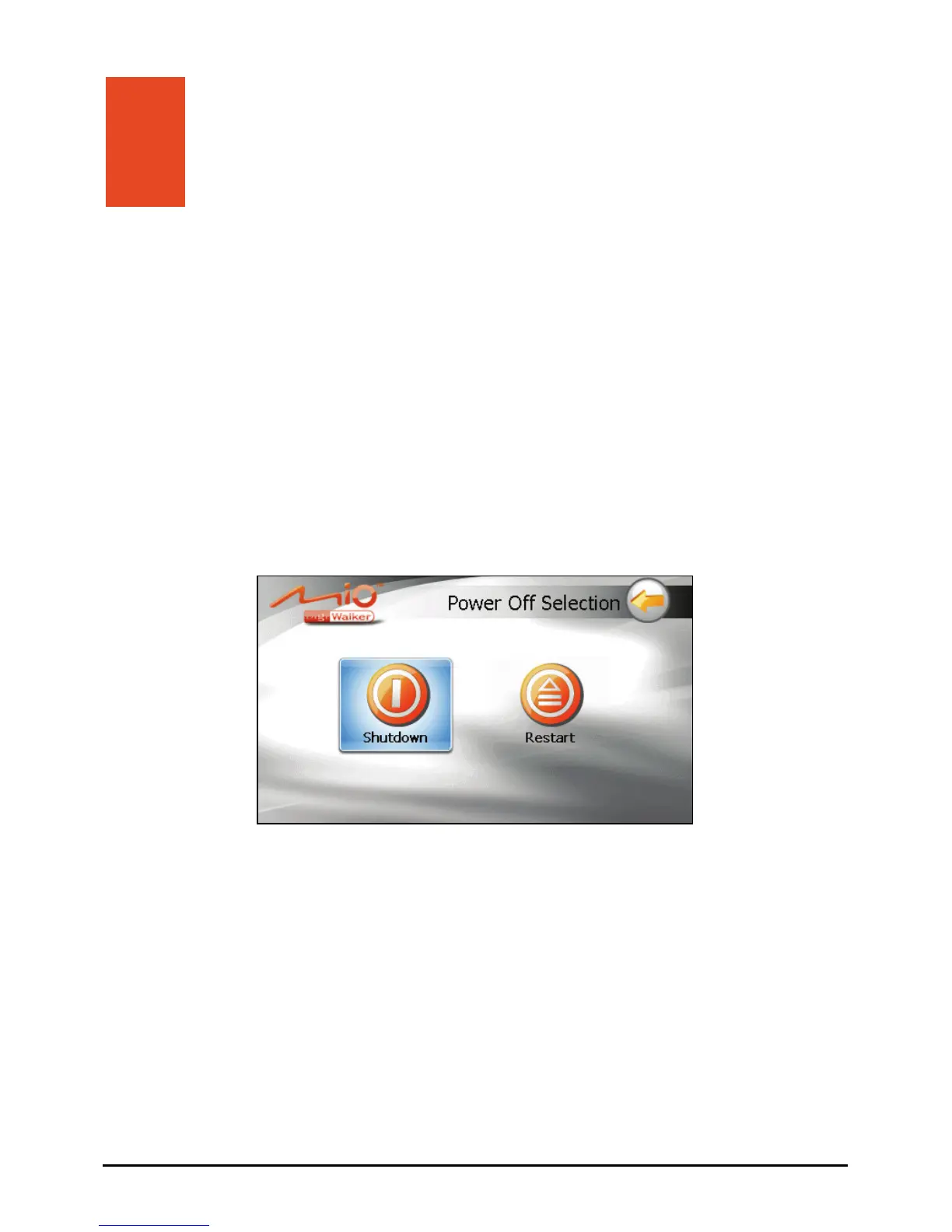
To restart your device, press the power button for 5 seconds until the “Power Off
Selection” screen appears and then tap
Restart.
down
ware failure prevents the “Power Off
Shutting Down Your Device
To shut down your device, press the power button for 5 seconds until the “Power
Off Selection” screen appears and then tap
Shutdown.
Alternatively, you can press the power button for 10 seconds to directly shut
the device. This is useful when a soft
Selection” screen from displaying.
109



 To Next Page