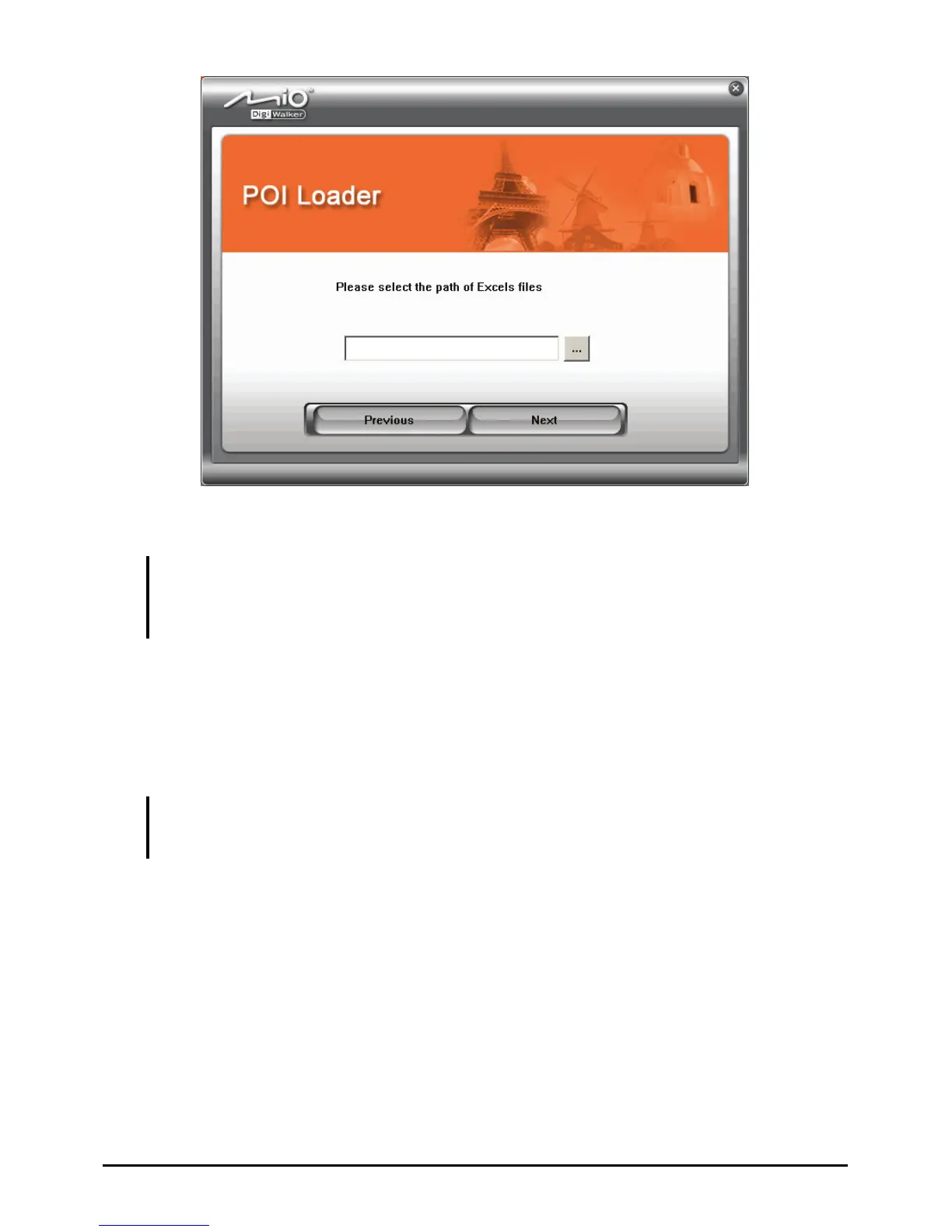
8. Click
Next.
CAUTION: Before disconnecting the cable, you must click the device icon in the task bar and
click “Safely remove xxx” (where xxx is the name of your device). If you are transferring data,
disconnecting the cable without following the correct removal procedure can result in data
loss.
Using the Imported POIs with Your Device
Every time you want to use your POIs, you must insert the SD card before running
MioMap. MioMap will load the data from the SD card and refresh the POIs.
NOTE:
Inserting the SD card after MioMap is started does not make the program load the data.
Such POIs will not be saved to your device after you exit MioMap.
108



 To Next Page