Operations during a Call
During a phone call:
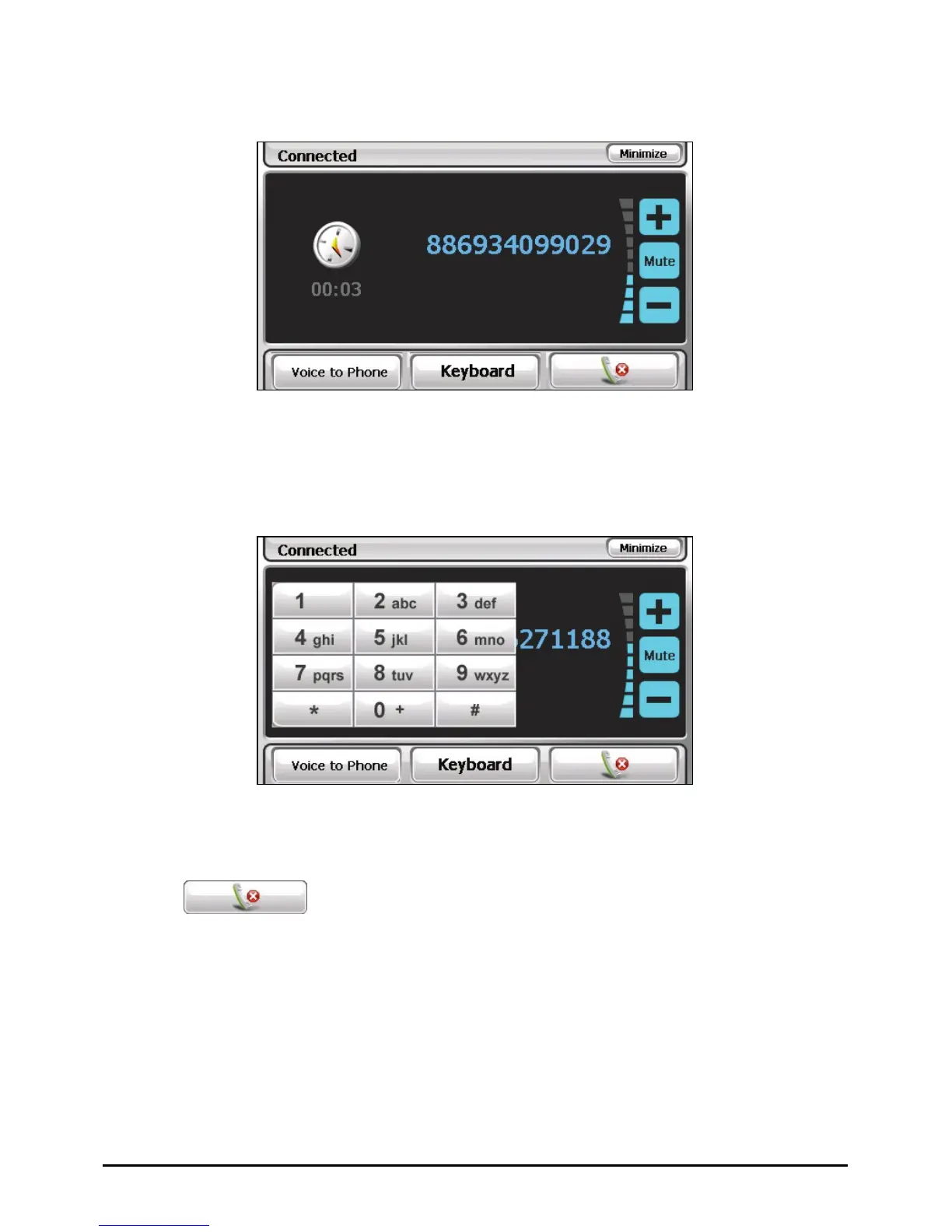
If you need to input other numbers, such as an extension number, tap Keyboard
to open the keypad and tap the digits.
Tap Mute to mute your sound so that the other party cannot hear you. To end
the mute mode, tap the button again.
Tap to end the call.
Tap Voice to Phone to switch the call to your mobile phone. To transfer back,
tap the button again.
Tap Minimize to minimize the screen and to back to the previous screen.
44



 To Next Page