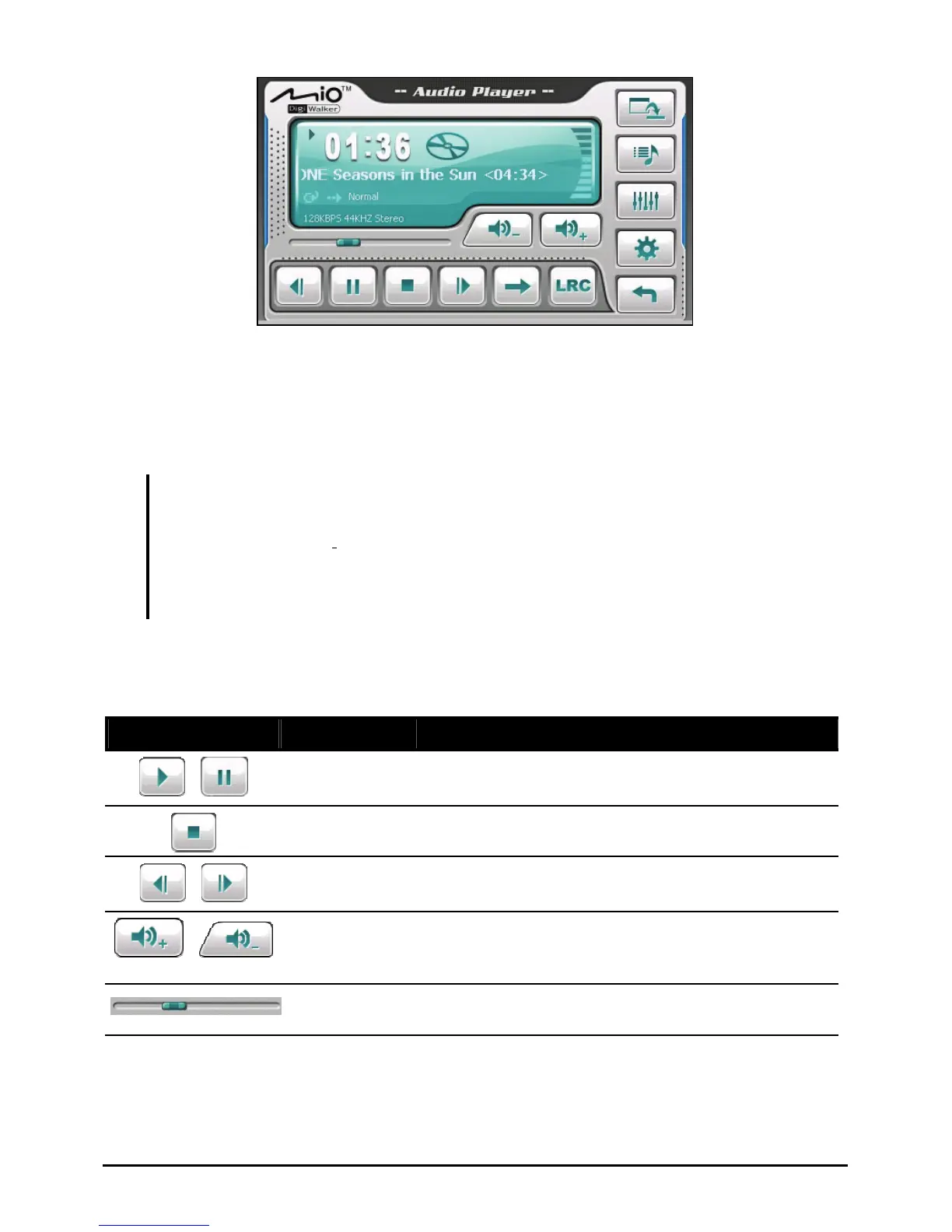
The information area displays the current status including the play/pause/stop
status, the elapsed time, the power status, the playback mode, the volume
level, and the properties of the current song such as the artist (if available with
the file), filename, total length, and stereo/mono information.
NOTE:
During the playback, the screen backlight will automatically shut off if you haven’t tapped
the screen within the preset time (30 seconds by default).The backlight will restore when
you press the power button or when the playback of the current play list has ended.
If the total length of a song exceeds 99 minutes and 59 seconds, the information area
cannot correctly display the length because the maximum number allowed is 99:59.
However, the playback of the song is not affected.
3.4 Playback Controls
Control Button Name Description
/
Play/Pause Plays or pauses the playback.
Stop Stops the playback.
/
Previous/
Next
Plays the previous or next file.
/
Volume Increase or decrease the volume.
The indicator on the panel shows the current
volume level.
Track Bar You can tap on a point along the track bar to move
directly to a different location for the playback.
23



 To Next Page