2.3 Playing Video Clips
1. If y
2 tart the program.
3. The program atching files in the specific folder on your
device and in all folders on a storage card. It then displays the video file list.
our files are in a storage card, insert the card into your device.
. Tap
Videos to s
will search the m
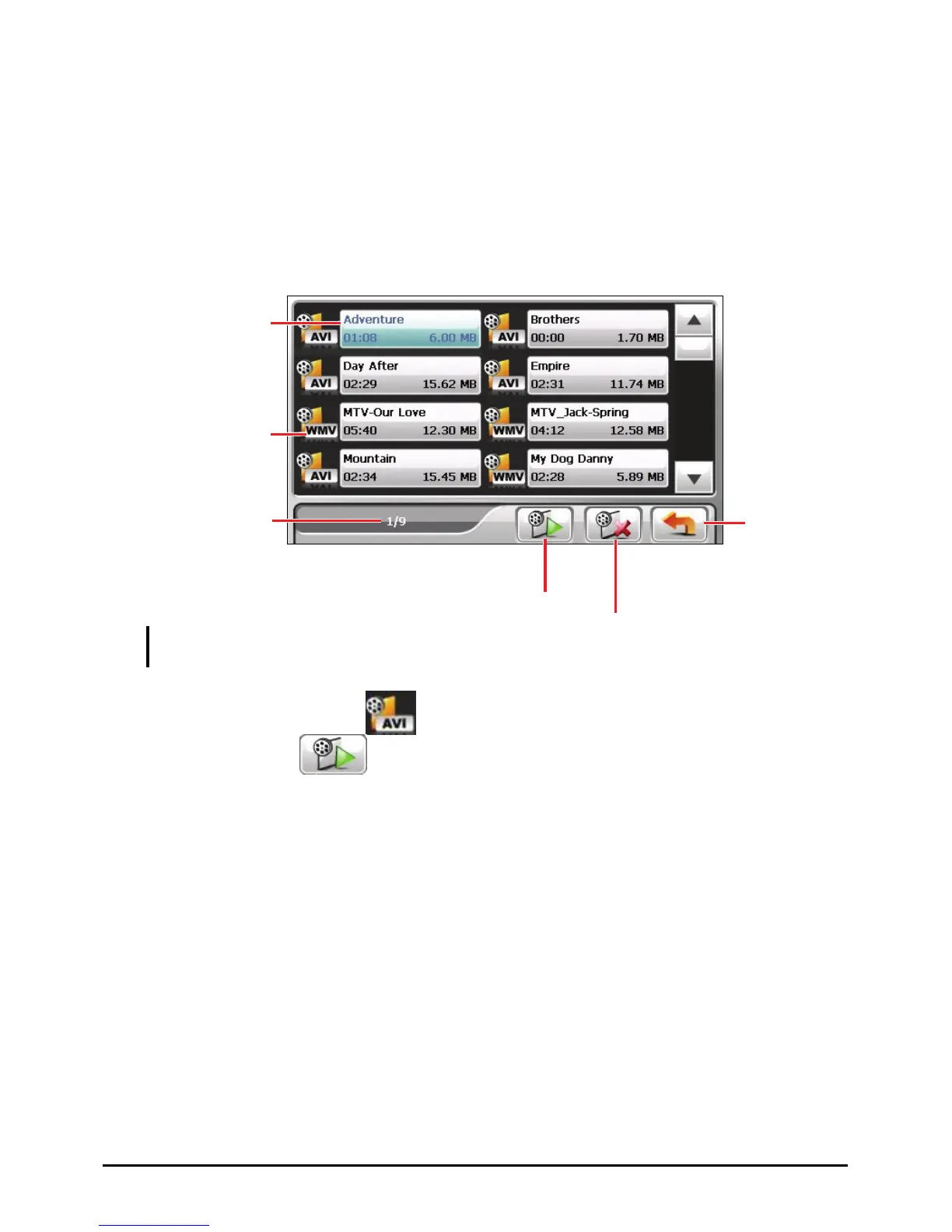
The change of color
indicates the file is
selected.
Indicate the format
of the video file.
together
Exit
Selected file/
NOTE: The file information such as the length of the video and file size is displayed
with the file name.
4. To play a video file, tap in front of the filename. Or, you can tap the
filename and tap
. (See the next section for descriptions of the
onscreen control buttons.)
Play the selected file.
Total number of files.
Delete the
selected file.
17



 To Next Page