6 Contacts
6.1 Starting and Exiting Contacts
Contacts allows you to keep a list of names, addresses, and phone numbers.
NOTE: If you have created Microsoft Outlook Contacts information on your computer, you
can copy the information to your device. (See Section 10.4 for information.)
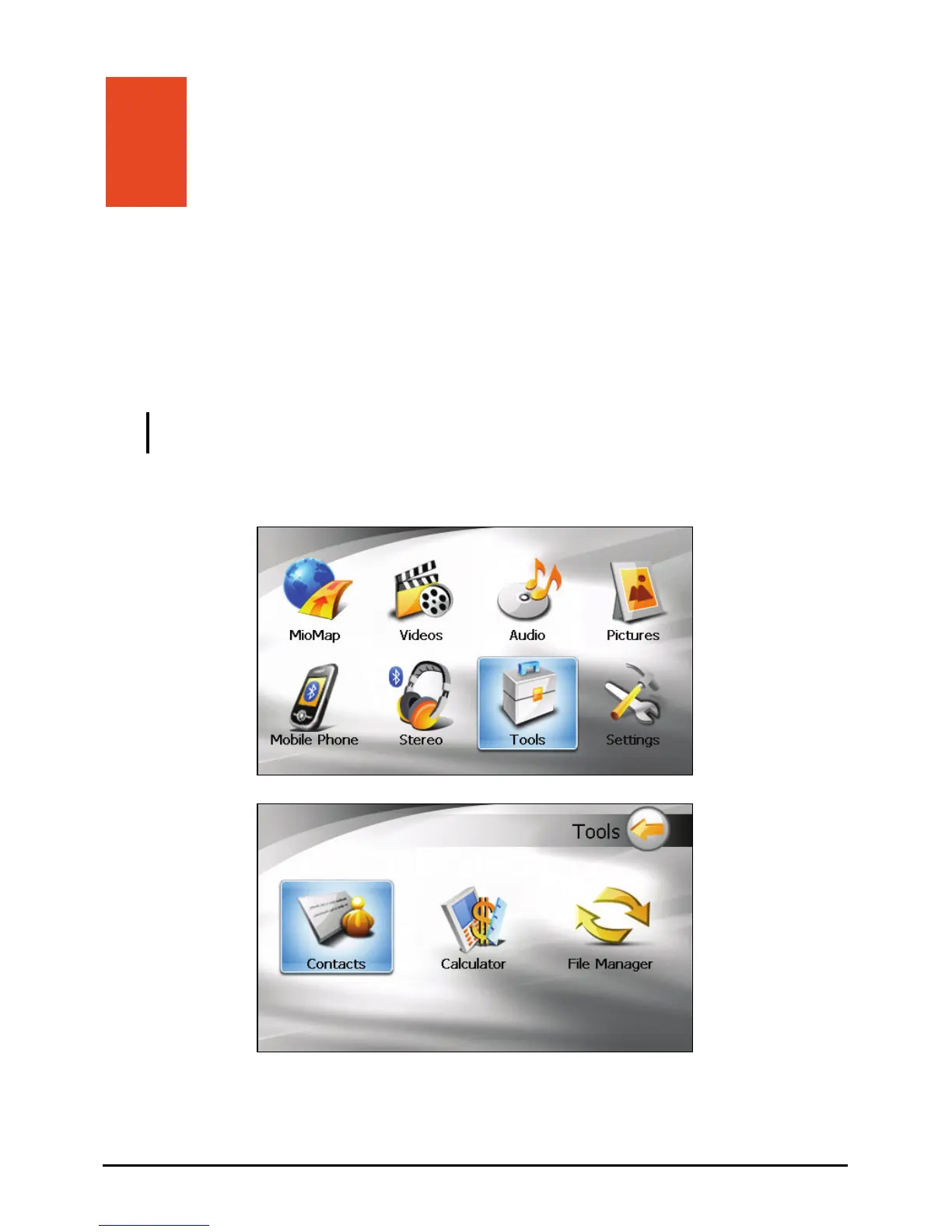
Tap on the Home screen and then tap to start the program. Tools Contacts
↓
The contacts list appears.
49



 To Next Page