10.4 Copying Contacts Information to Your Device
You can copy the Microsoft Outlook Contacts information from your computer to
your device using MioTransfer. This saves you the time for entering the
information all over again on your device or on your computer. (For information
on Contacts, see Chapter 6.)
1. Turn on your computer and your device.
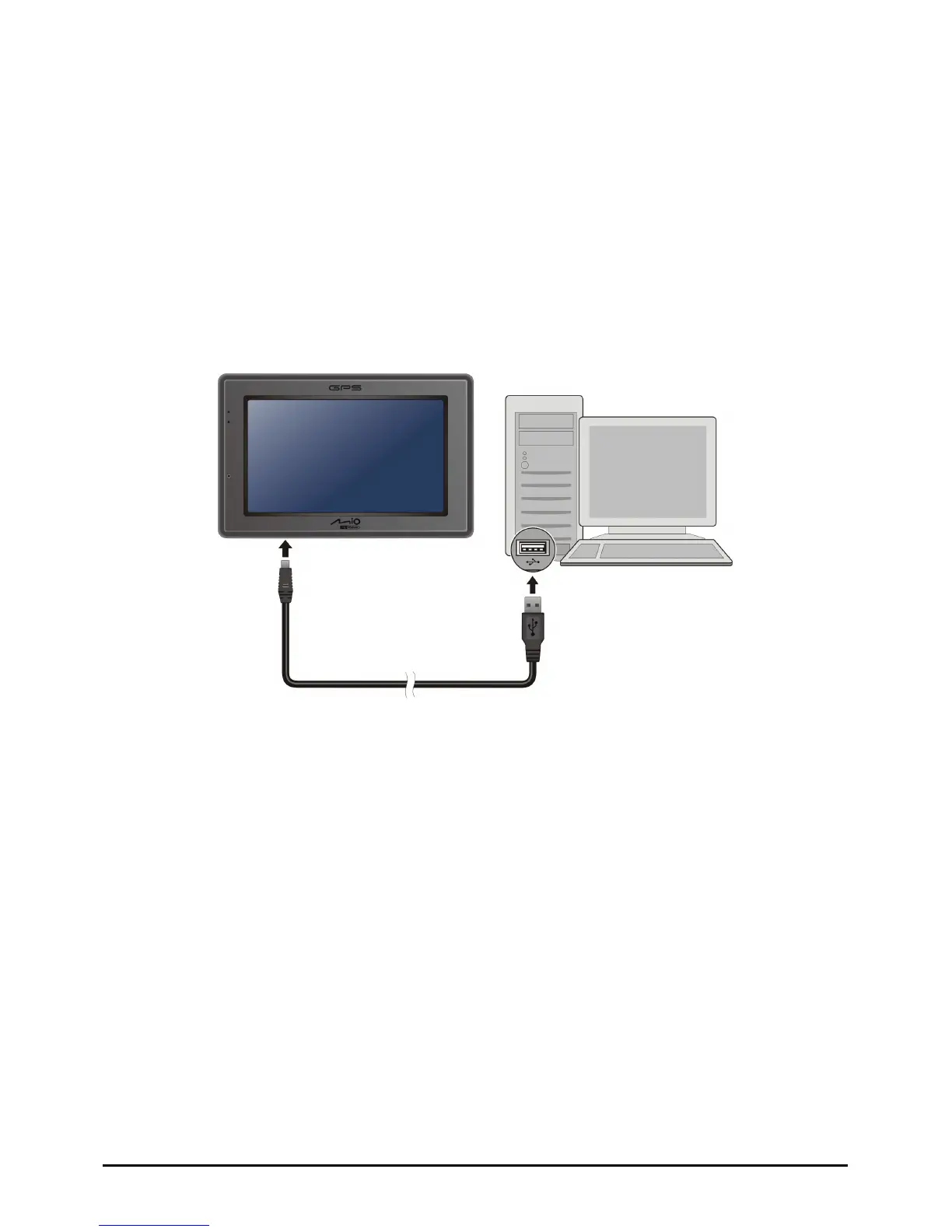
2. Connect the mini-USB end of the USB cable to the bottom of your device and
the other end to a USB port on your computer.
3. Start MioTransfer by clicking
MioTransfer icon on the Windows Desktop. The
MioTransfer screen appears.
4. Click
Contacts on the top menu bar.
5. Select your option and click
Apply.
86



 To Next Page