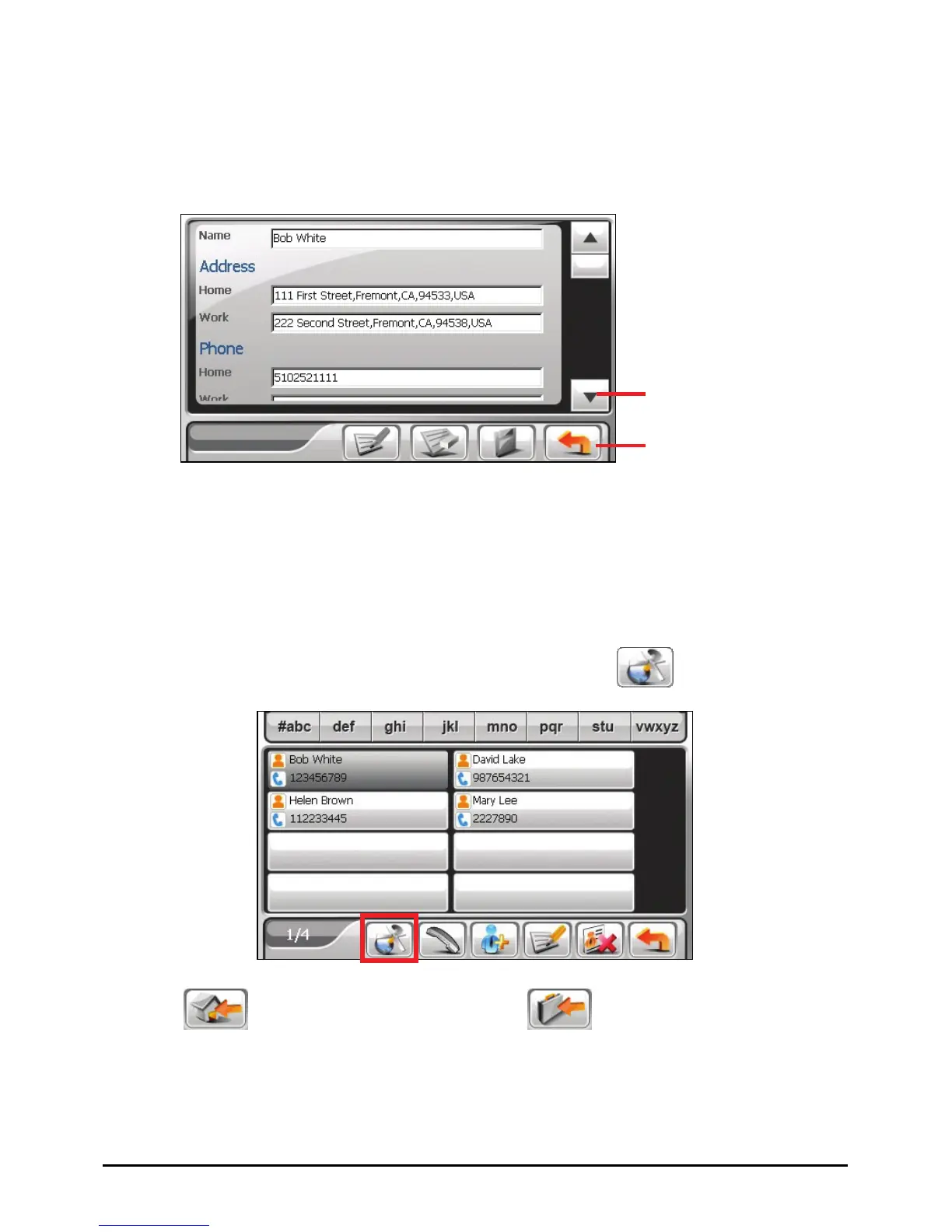
6.3 Using the Summary Screen
In the contact list, tapping a contact twice displays the summary screen of the
contact.
6.4 Navigating to a Contact’s Address
You can set a contact’s address as your GPS navigation destination.
1. Tap the
Contacts button on the Home screen to start the program.
2. In the contact list, select the desired contact and tap
.
Back
Tap to scroll through the
entry fields.
3. Tap
to select the home address or
to select the work address.
51



 To Next Page