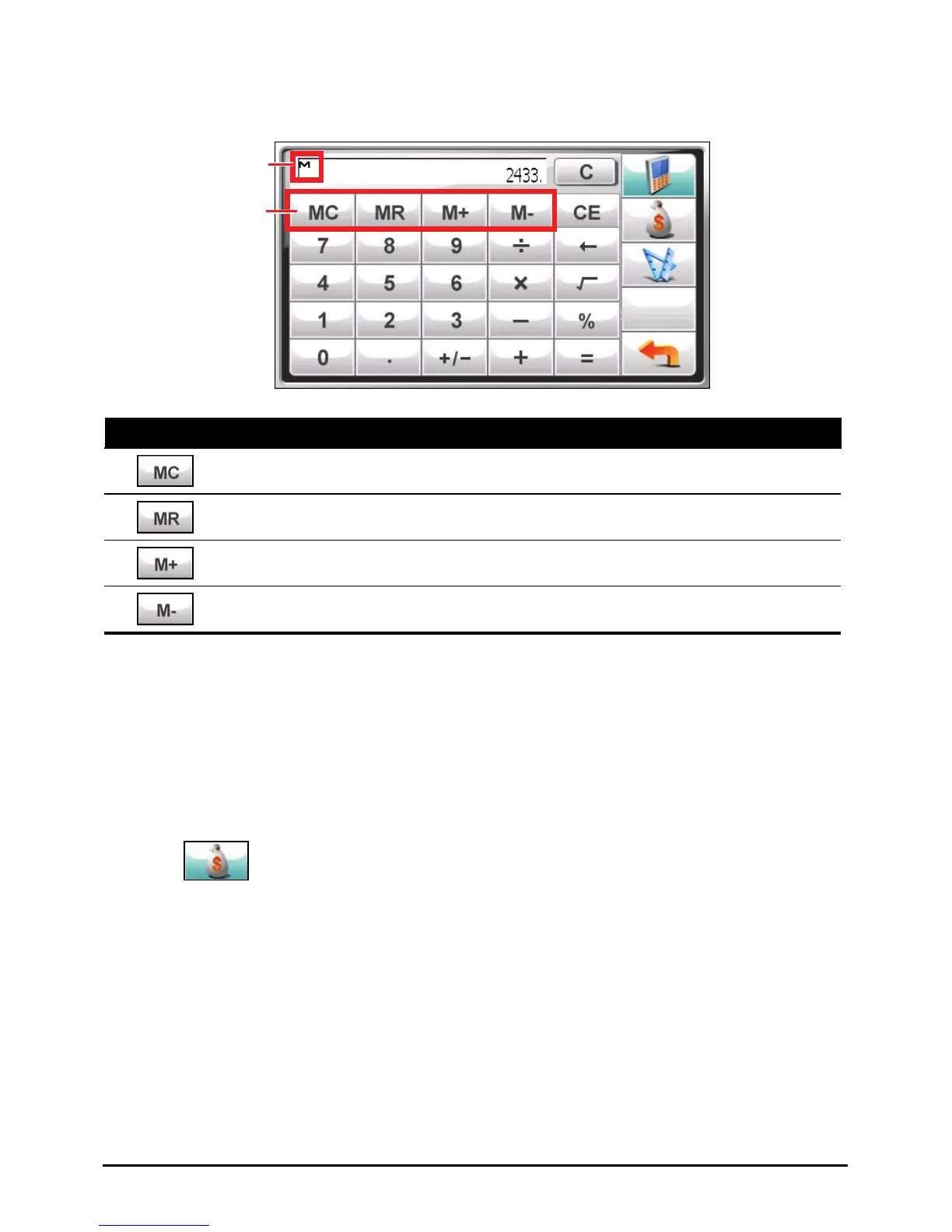
Calculator Memory
Memory indicator
Memory buttons
Button Name Description
Memory Cancel Clears the value in memory.
Memory Recall Shows the value in memory.
Memory Plus Adds the current value to the value in memory.
Memory Minus Subtracts the current value from the value in memory.
7.3 Using the Currency Mode
Use the Currency mode to perform the currency conversion. You can also edit the
exchange rate.
1. Start the Calculator program as described in Section 7.1.
2. Tap
to switch to the Currency mode.
59



 To Next Page