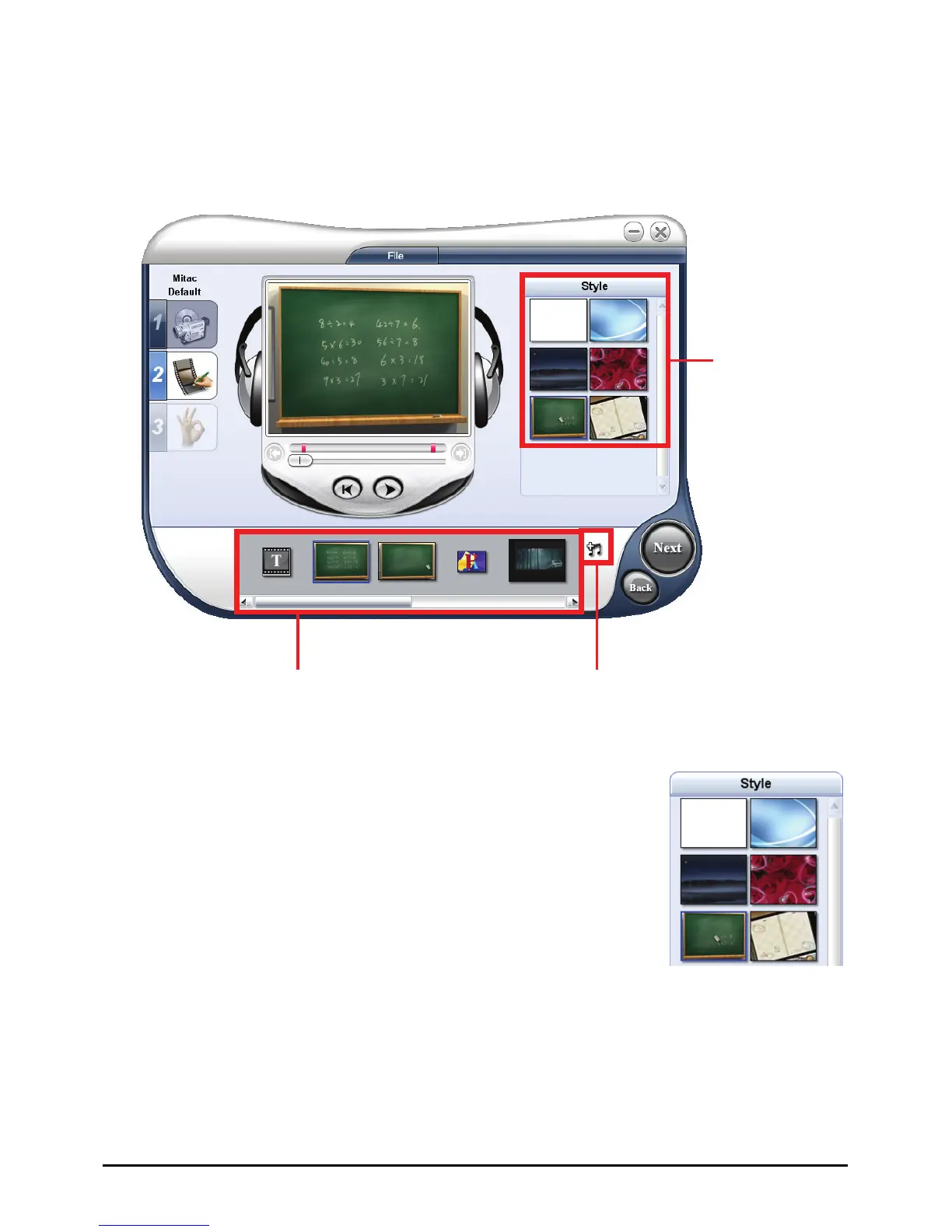
11.8 Choosing a Style
A style refers to a set of attributes including beginning/ending clips, transition
effects, and background music.
Select background
music.
Style elements are added
to the Media Clip List.
Select a style.
Selecting a Movie Style
In the Options Panel, click the style you want to use.
A beginning clip and an ending clip in the selected style
will be added to your project.
101



 To Next Page