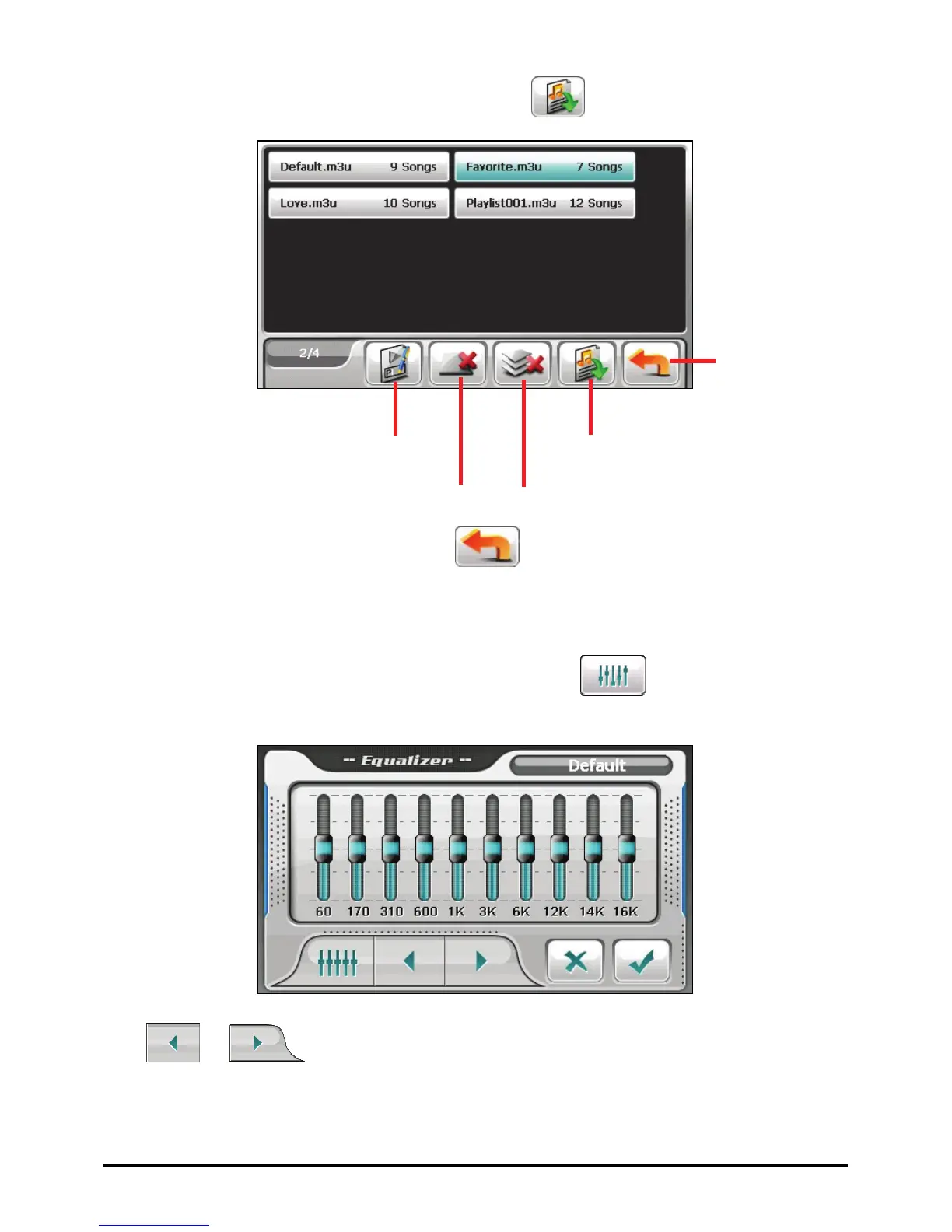
3. Tap the play list you want to open and tap .
Back
Rename the
selected play list.
Delete the
selected play list.
Open the selected play list.
Delete all play lists.
4. To return to the control panel, tap
.
3.7 Equalizer
The program provides 11 preset audio profiles. Tap to open the equalizer
panel.
Tap
or to cycle through the available options: Default, Rock, Pop,
Jazz, Classical, Dance, Heavy, Disco, Soft, 3D and Hall.
28



 To Next Page