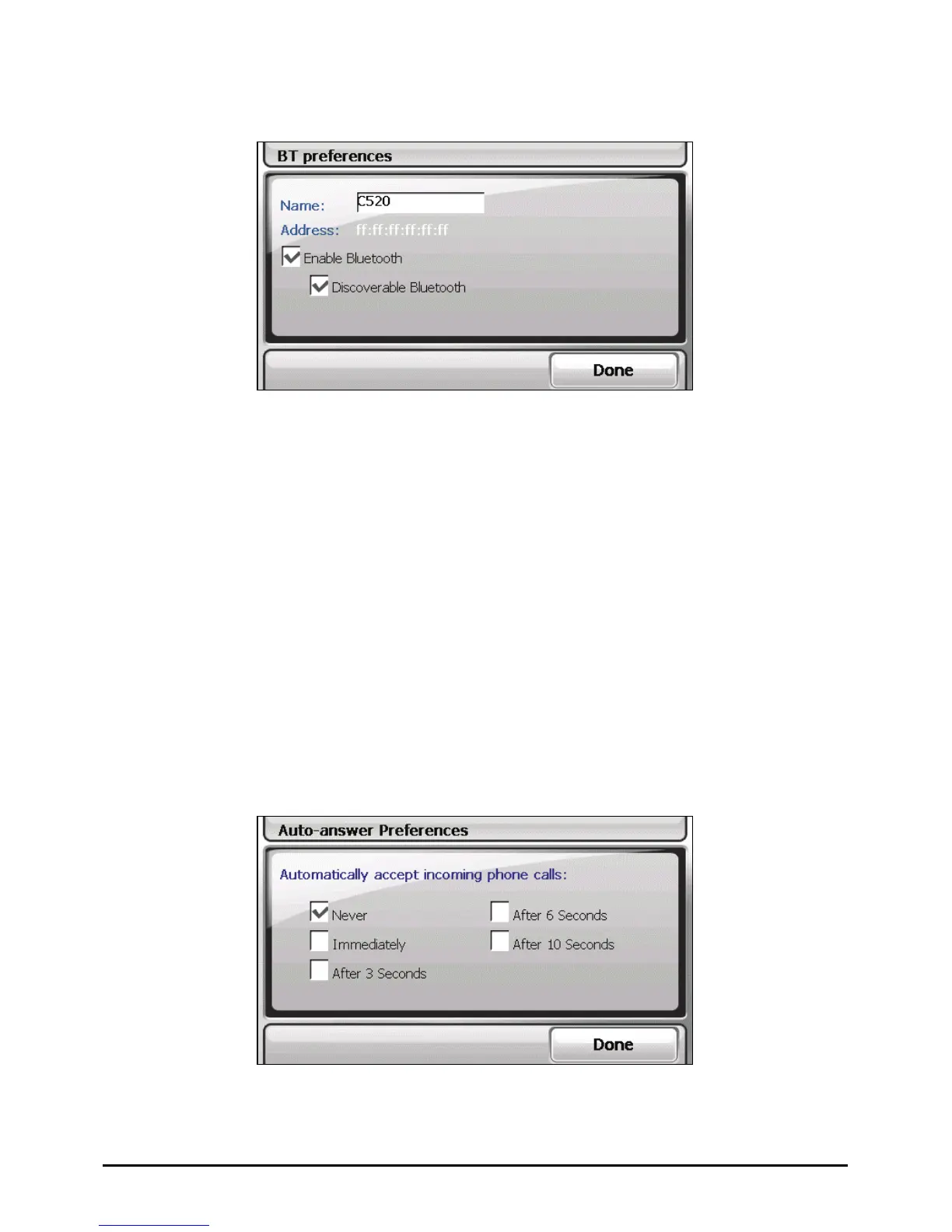
BT Preferences
The setting items in the “BT preferences” screen are:
Name
Tap twice this field if you want to rename the Bluetooth device name. A soft
keyboard appears for you to enter the new name.
Enable Bluetooth
The Bluetooth radio is on when this item is checked. Uncheck this item if you
want to turn off the Bluetooth radio.
Discoverable Bluetooth
Check this item to make your device discoverable for other Bluetooth devices.
You can check this item only if the previous item is enabled.
Auto-answer Preferences
78



 To Next Page