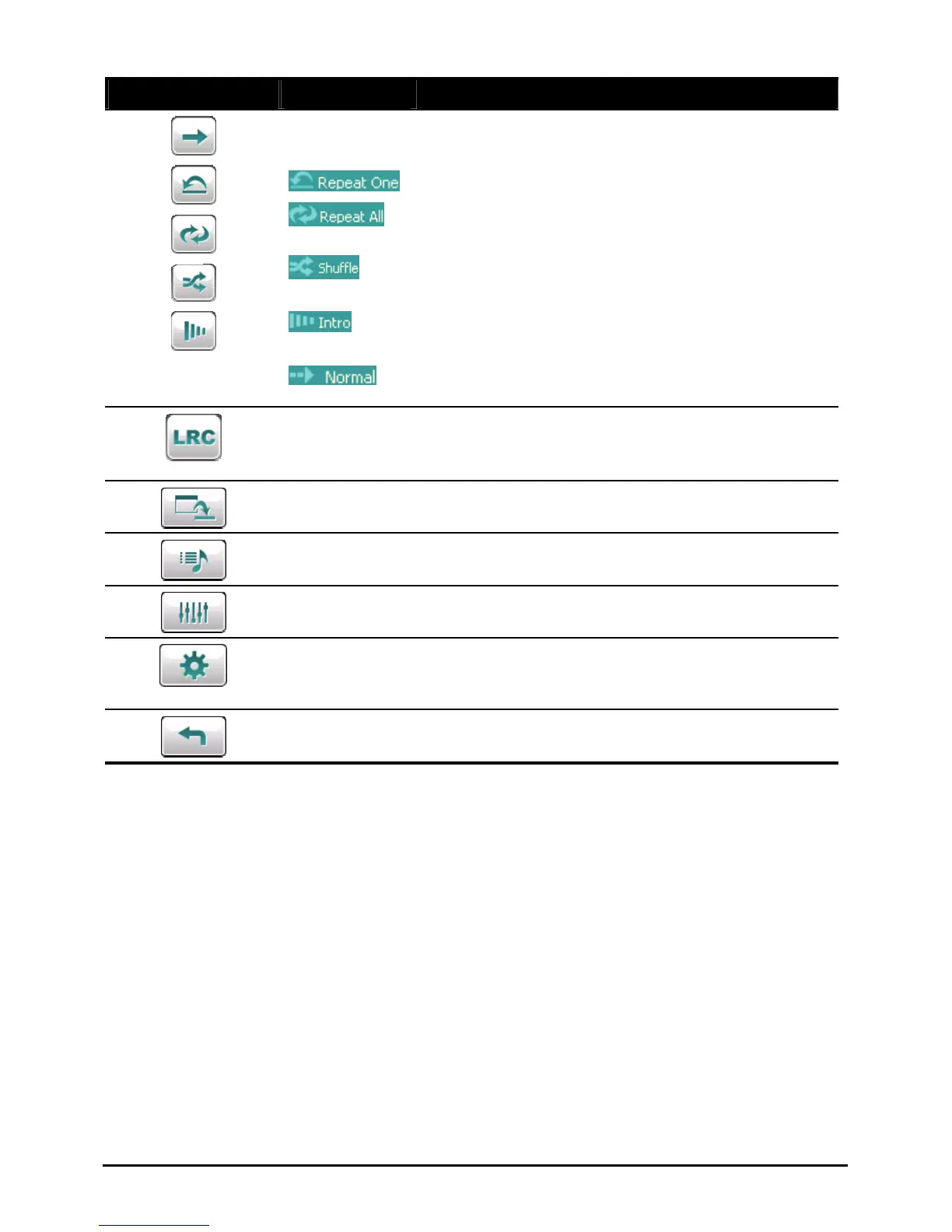
Control Button Name Description
Playback
Mode
Switches to the next mode:
Repeated playback of the current file.
Repeated playback of all files in the current play
list in sequence.
Playback of all files in the current play list in
random order.
Sampling (10 seconds) playback of all files in the
current play list in random order.
Playback of all files in the current play list in
sequence.
Lyrics
Opens the lyrics display. Available only if the
current song is with lyrics. (See section 2.5 for
more information.)
Minimize Minimizes the control panel and play the music in
the background.
Play List Opens the play list. (See section 2.6 for more
information.)
Equalizer Opens the equalizer panel.
(See section 2.7 for more information.)
Settings Opens the Settings screen for setting up power
saving mode and accessing help. (See Section 2.8
for more information.)
Exit Closes the program and returns to the Home
screen.
24



 To Next Page