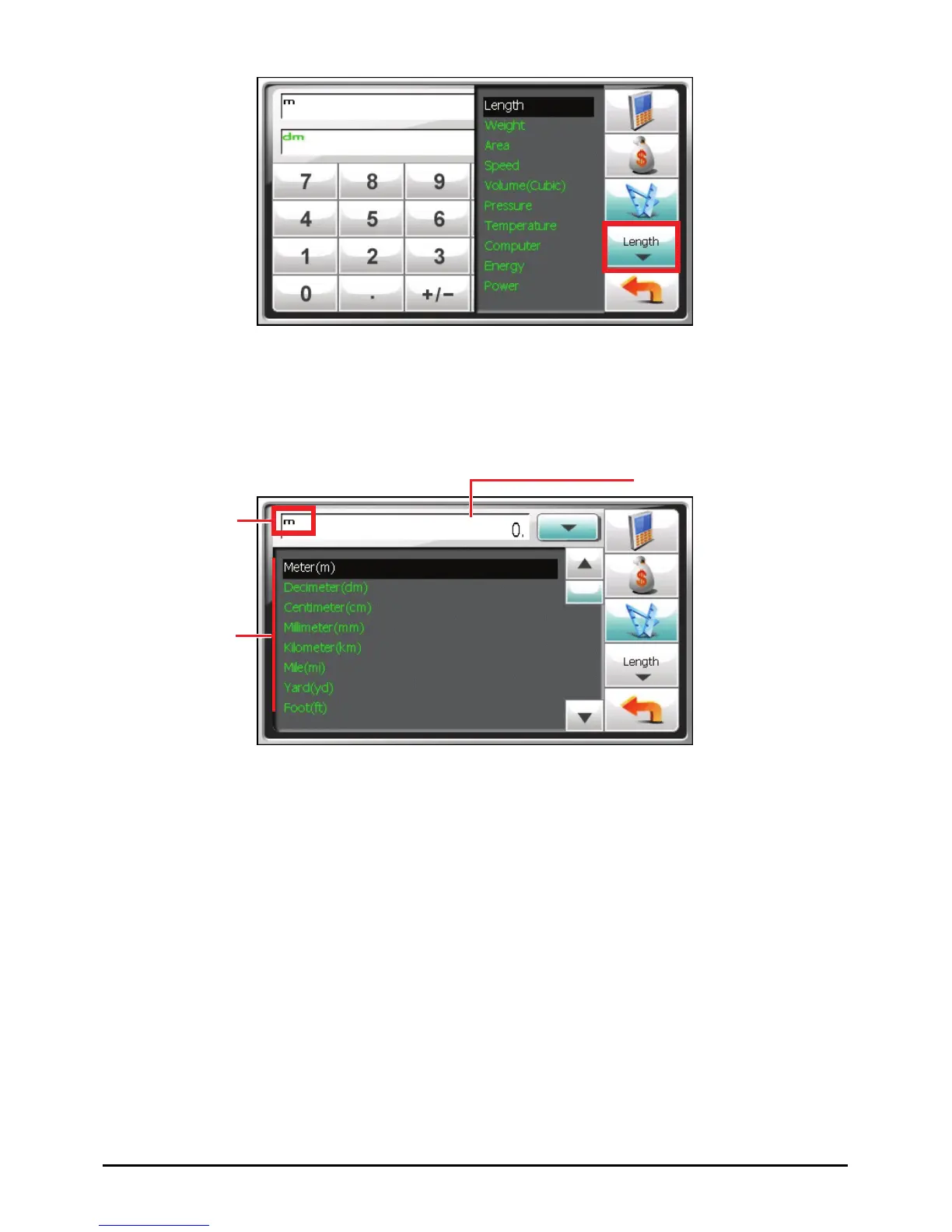
4. Tap the down arrow next to the input field to display a list of units and select
the unit to convert from. When a unit is selected, the abbreviation of the unit
will be displayed on the upper left corner of the input field.
Unit indicator
Input field
Unit scroll list
5. Tap the down arrow next to the output field to display a list of units and select
the unit to convert to. When a unit is selected, the abbreviation of the unit will
be displayed on the upper left corner of the output field.
63



 To Next Page