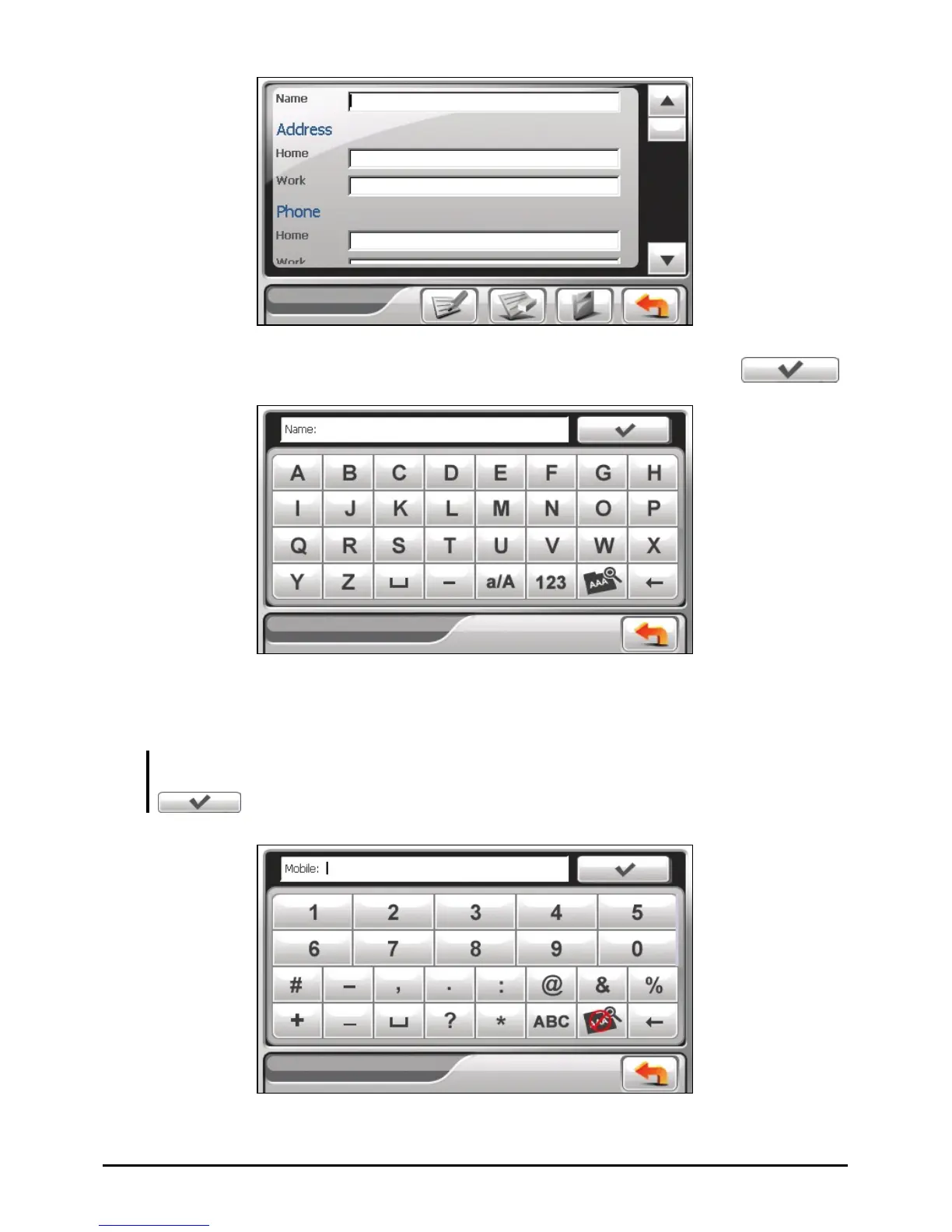
4. Use the soft keyboard to enter the information in the field and tap
.
5. Enter the information in other fields such as address and phone number fields.
You will need to scroll down to see all available fields.
NOTE: When entering the address, the soft keyboard guides you through different parts of
the address including street, city, state, post, and country. After entering a part, tap
to proceed to the next part.
54



 To Next Page