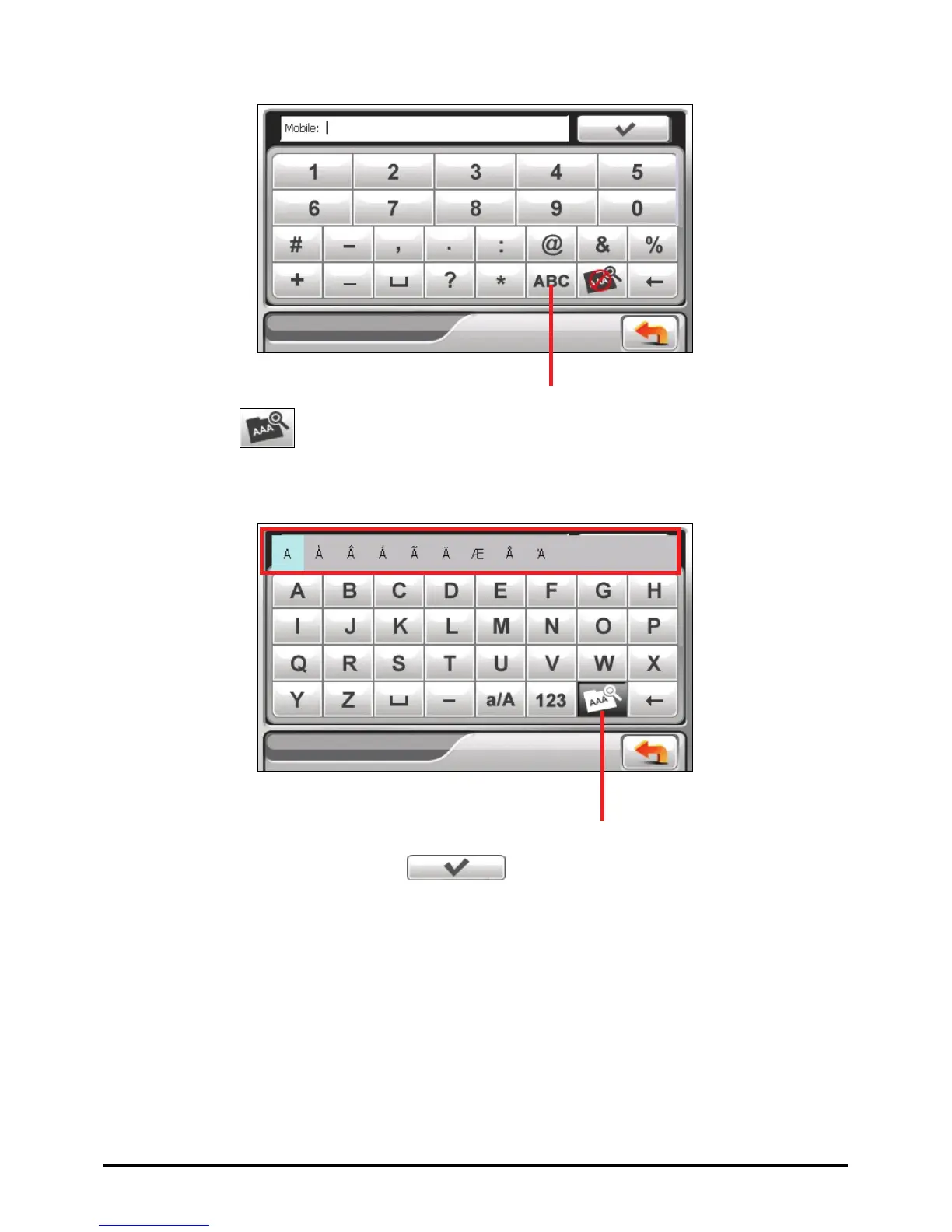
Number/symbol Keypad
When you tap
to enable umlaut, you can tap a vowel letter repeatedly to
input a different form of the letter. Alternatively, you can tap the letter in the
pop-up window as shown below.
Switch to the alphabet keypad.
Umlaut enabled. Tap the
button again to disable it.
After you complete an input, tap
.
12



 To Next Page