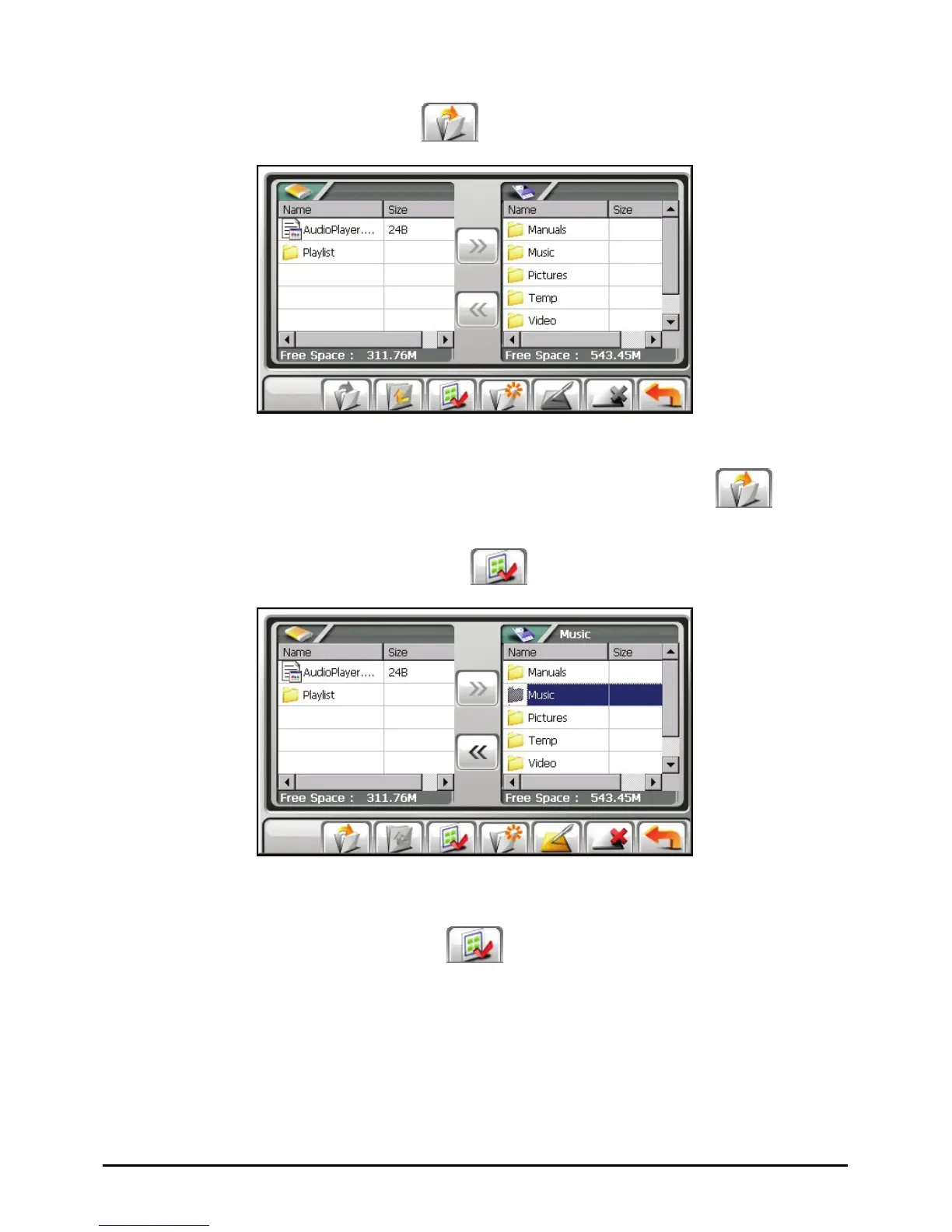
3. To select the target folder, tap twice the folder in the left column to open it.
Or, tap the folder and then tap
to open the folder.
4. If the source file is in a folder of the storage card, tap twice the folder in the
right column to open the folder. Or, tap the folder and then tap
to open
the folder.
If you want to select all folders, tap
.
5. Select your source file by tapping it in the right column.
If you want to select all files, tap
.
67



 To Next Page