5. Product presentation
MiR100 User guide (en) 09/2019 - v.1.4 ©Copyright 2019: Mobile Industrial Robots A/S. 36
When in motion, the safety laser scanners continuously scan the surroundings using a
distance of up to 2.5 m.
When mapping, the safety laser scanner’s view is reduced to 20 m to support that maps will
get the highest possible quality.
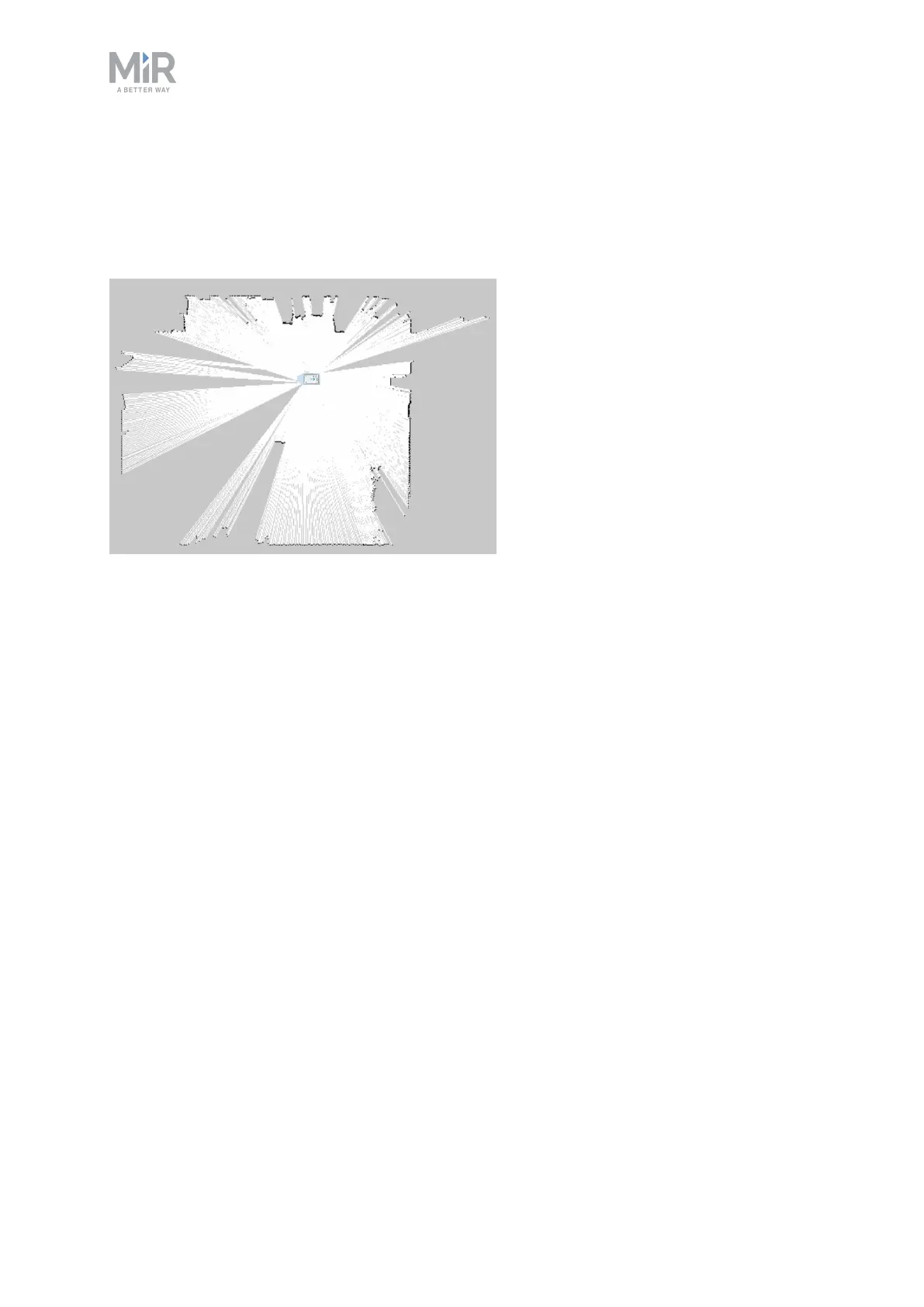
The safety laser scanners see up to 20 m when mapping an area.
Signals from safety laser scanners are combined with input from 3D cameras and proximity
sensors and used to evaluate if an object or person is in the path of travel. In that case, the
robot gradually slows down while trying to avoid the obstacle. If unable to make its way
around the obstacle, the robot stops and waits for clearance.
Protective field sets
The protective field sets are part of the robot’s personnel detection means. The protective
field sets consist of individually configured contours around the robot. MiR100 activates the
correct field set based on the speed. If a person or object within the area active protective
field set, the robot will do a protective stop and remain stopped until the protective field set
is free.
The following tables show the sizes of the protective fields sets at given speeds. The faster
the robot moves, the larger the scanners' field set.
The protective field sets differ for forwards and backwards driving.
Field sets for forwards driving direction
The following table shows speeds and field sets in forwards driving direction. The table
describes the length of the field set in front of the robot in different cases. Each case is



 To Next Page