6-26 Mx100/200 Series Operation Manual
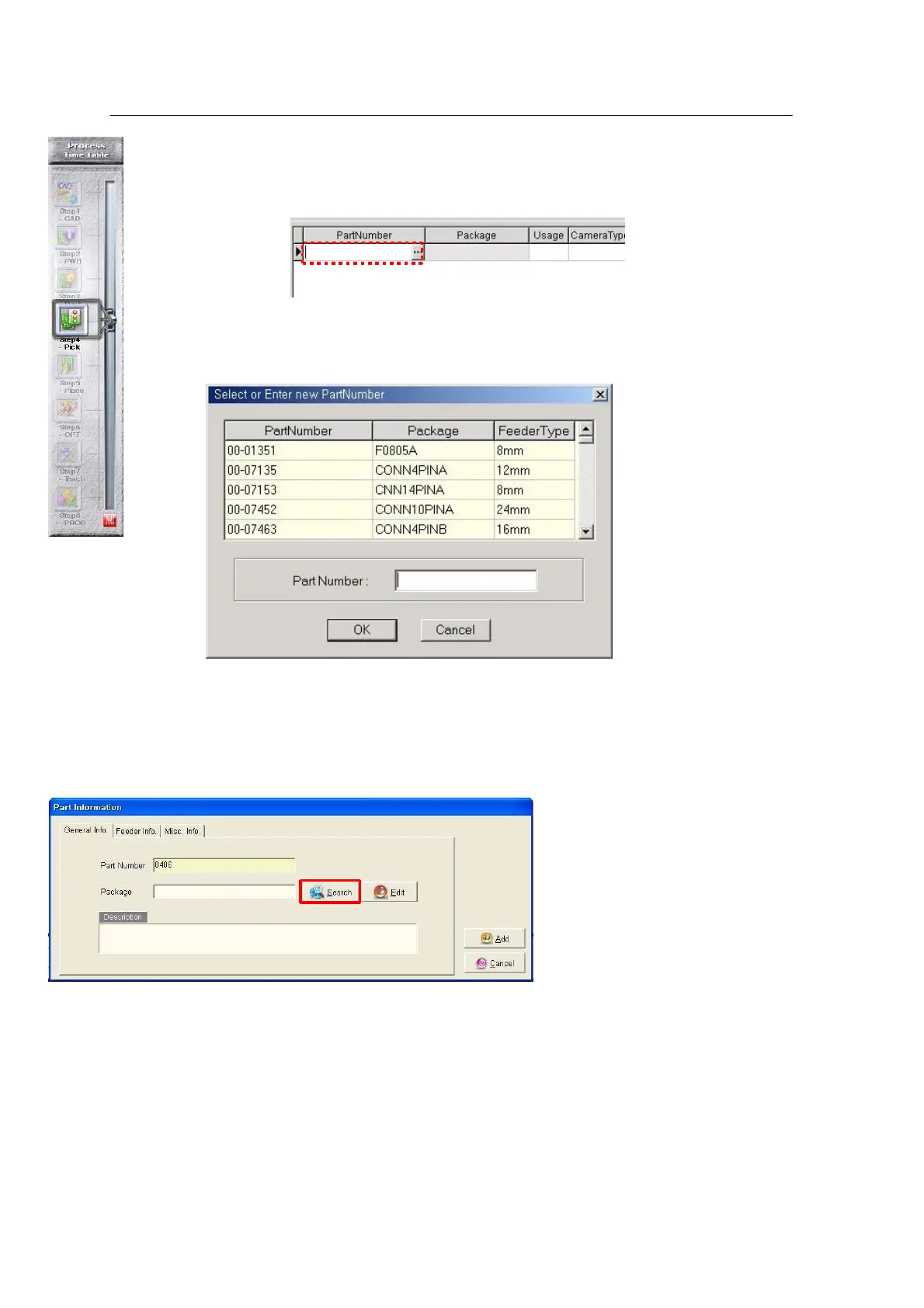
Press the Pick data tab at the bottom left in the main window. The Pick Data main
window opens as shown below.
Click Part number and press the Down (↓) arrow on the keyboard.
<Figure 6-24 가 Select Part Number
>
Enter a part number in
the input field. If the
entered part number is
displayed in the table,
select it from the table
(saved in the Part
library). If the part
number is not given in the table, enter the part number in the “Part information”
dialog box.
<Figure 6-25 가 Select a package in the Part Information window >
The Package icon is used to search DB from Package and link it with Part number.



 To Next Page