Chapter 6 Programming 6-25
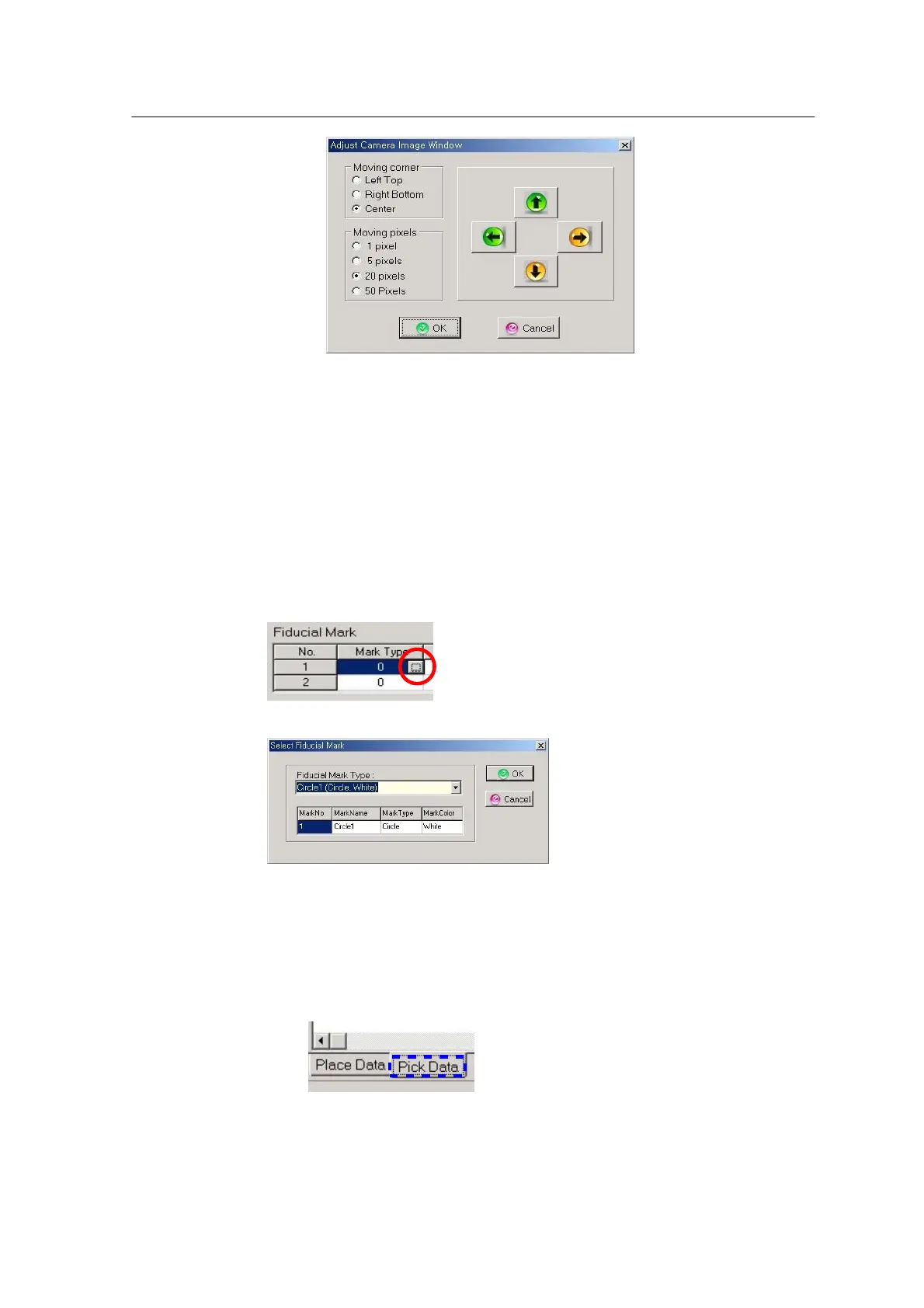
<Figure 6-22 가 Window box adjustment >
‘Moving corner’ adjusts the size of window box shown on the vision monitor.
• Left Top: Enlarges or reduces the size at the left top.
• Right Bottom: Enlarges or reduces the size at the right bottom.
• Center: Moves the entire window box for mark recognition.
‘Moving Pixels’ selects movement of the window box at a time.
Move to the PWB Information window after mark inspection. Choose Mark DB in
the Fiducial Mark DB edit window.
<Figure 6-23 가 Select mark DB >
Choose the mark DB corresponding to the mark position and click “OK”.
Pick Data Entering a New Part



 To Next Page