1-20 TF5 Operation Manual
4. If parts without painting, coating or anti-corrosive coating are stained
with foreign materials or water, wipe the surface with a dry cloth.
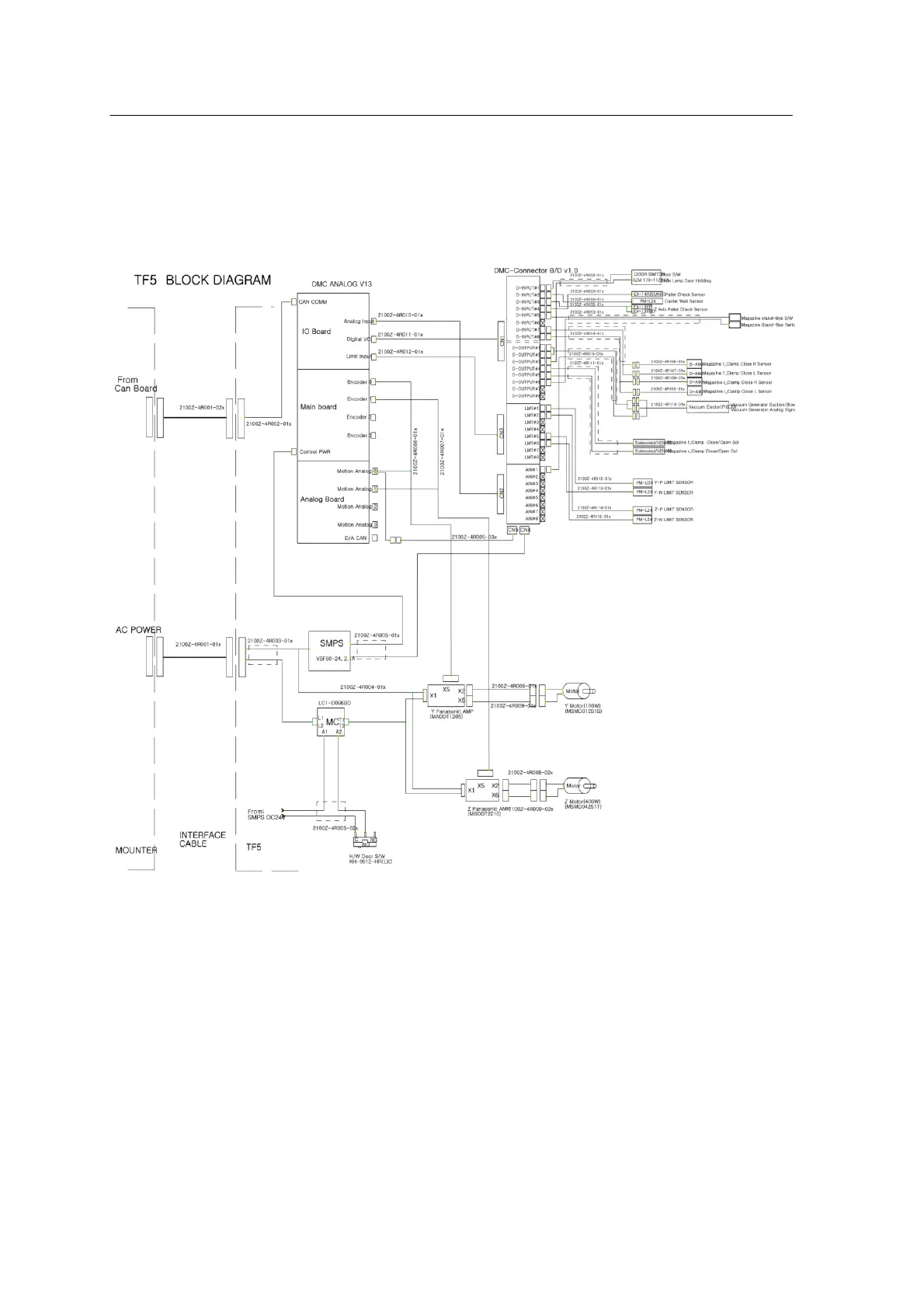
Electric Circuits
<그림 2-16 가 Electric Circuit Drawing >
Motor
- When a motor moves in the opposite direction (S/W error):
Correct the motor direction CW→CCW or CCW→CW from Monitor Q
and save the setting.
-When a motor does not move:
Check connection of the power connector to the Mounter.



 To Next Page