Mitel 3000
Broadband Module Manual
34
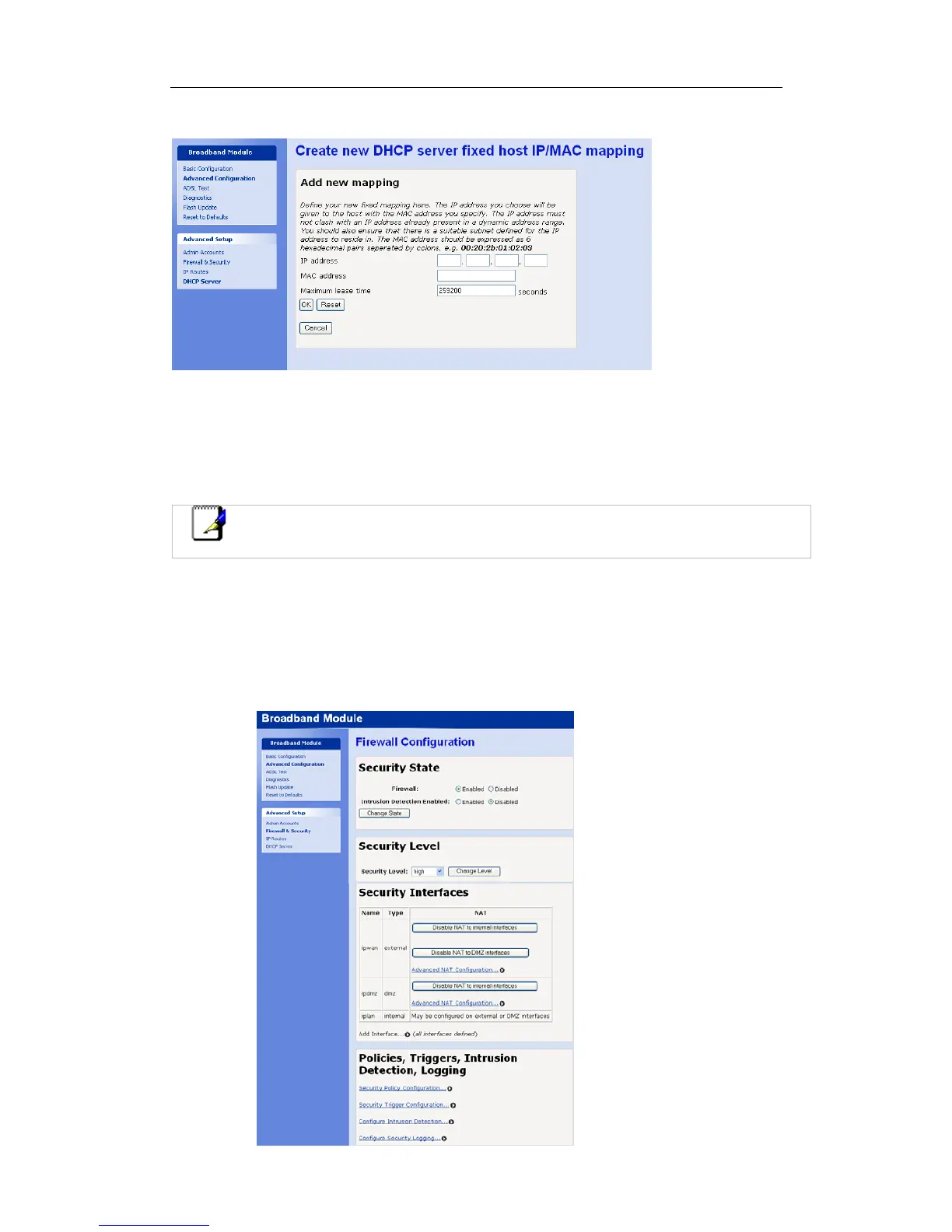
Select Create new Fixed Host.
The following screen is displayed:
Enter the IP address to be assigned to the host. It must be outside the dynamic range of the
DHCP server that is 192.168.0.2 to 192.168.0.21 in default (e.g. 192.168.1.22).
Enter the MAC address of the server.
The lease time is 6 days in default. The DHCP / client communication will ensure the IP
address is continually renewed so this need not be changed
Select OK.
Note
If the WAN interface has been assigned more than one IP address by the service
provider then a Global Address pool must be programmed. See Page 38.
Reserved Mapping
Reserved mappings are used to create exceptions to the normal NAT rules to allow incoming
access to a specific server or application on the DMZ or LAN. A static route is defined
between an external IP address and internal IP addresses. Reserved mapping is also called
Port Address Translation or Port Forwarding.
Select Firewall and Security from the Advanced Configuration menu.




 To Next Page