5330/5340 IP Phones – User Guide
- 33 -
• Create a Speed Dial for Caller:
− Right-click the small portion of the Telephony button
− Select Speed Dial
− Select Add Speed Dial for Caller
• Search Outlook Contacts for Caller:
− Right-click the small portion of the PC Links button
− Select Search Outlook Contacts for Caller
• Create Outlook Contact for Caller:
− Right-click the small portion of the PC Links button
− Select Create Outlook Contact for Caller
• Create Outlook Task for Caller:
− Right-click the small portion of the PC Links button
− Select Create Task Contact for Caller
• Send Email to Caller:
− Right-click the small portion of the PC Links button
− Select Send Email to Caller
• Desktop Search for Caller:
− Right-click the small portion of the PC Links button
− Select Desktop Search for Caller
Note: For the respective PC Links options to function you must have Microsoft Outlook
running and Microsoft Windows Desktop Search installed. Contact your system
administrator to install these products for you.
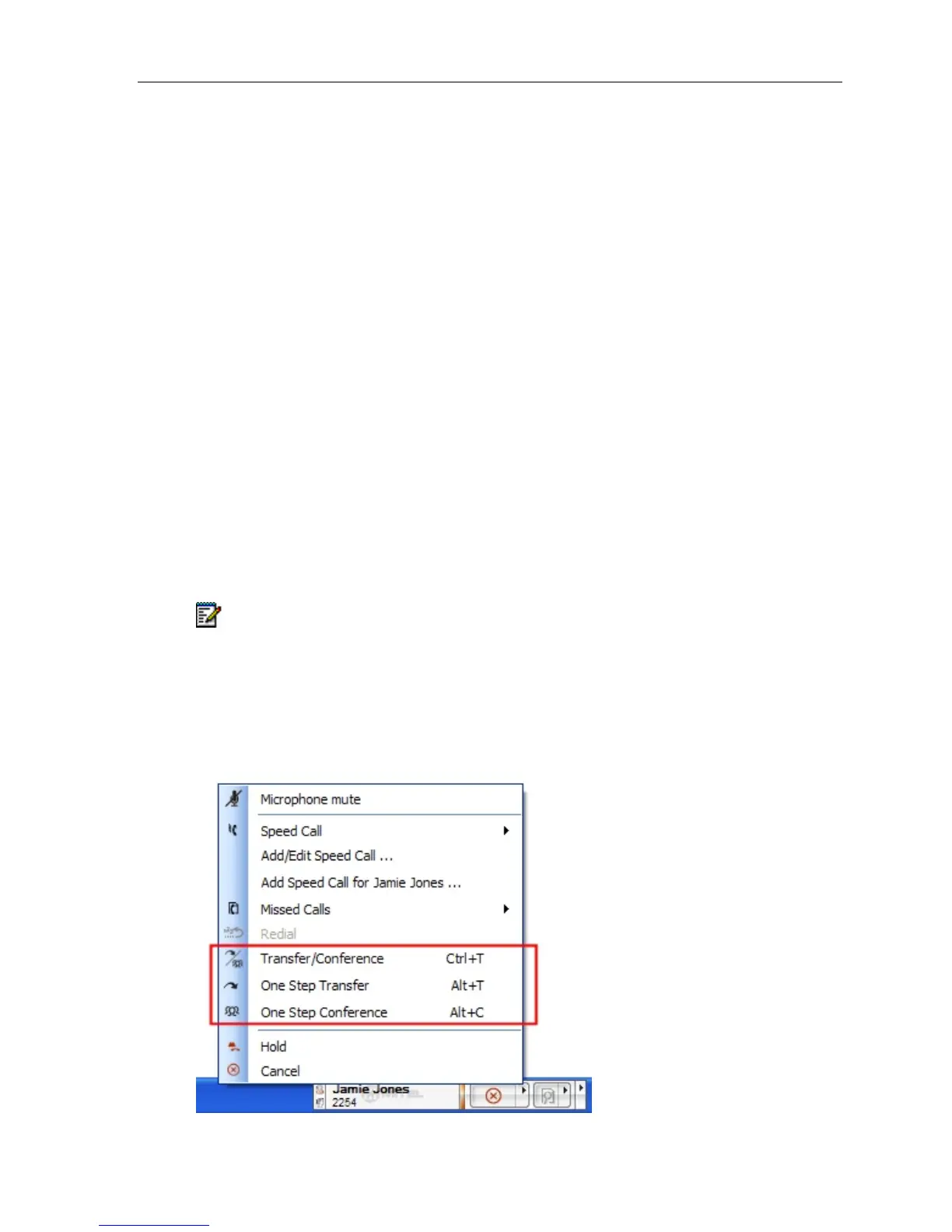
Transfer/Conference Calls
When a call is in progress up to 3 menu items are added to the Phone Menu (Right click on
button with phone or left click tray icon):





 To Next Page