5330/5340 IP Phones – User Guide
- 34 -
Note: Trans/Conf/Hold are not supported for the SIP Phones on IOC.
• Transfer/Conference Ctrl+T
• One Step Transfer Alt+T (Only available if Release function is programmed on a
Phone Key)
• One Step Conference Alt+C
When pressing any of these menu items when the Telephony Toolbar is displayed, the text in
the edit box will be changed to Place Second Call, and the edit box will have focus so you
can start typing the name or number of the person to call.
If either of the One Step operations was selected, the operation will complete upon the
second call being answered. If the call is not answered, you cancel out of the call and the
phone picks up the previous call that was in progress before the operation was initiated.
If the Transfer/Conference item was selected, when the second call is picked up a menu
with up to 3 options is presented:
• Conference Ctrl+C
• Trade Calls Ctrl+S (Only available if Swap function is programmed on a Phone Key)
• Release Me Ctrl+R (Only available if Release function is programmed on a Phone Key)
Selecting Conference establishes the conference. Selecting Trade Calls swaps between the
two calls currently in progress. Selecting Release Me completes a transfer operation.
Telephony Toolbar Menu
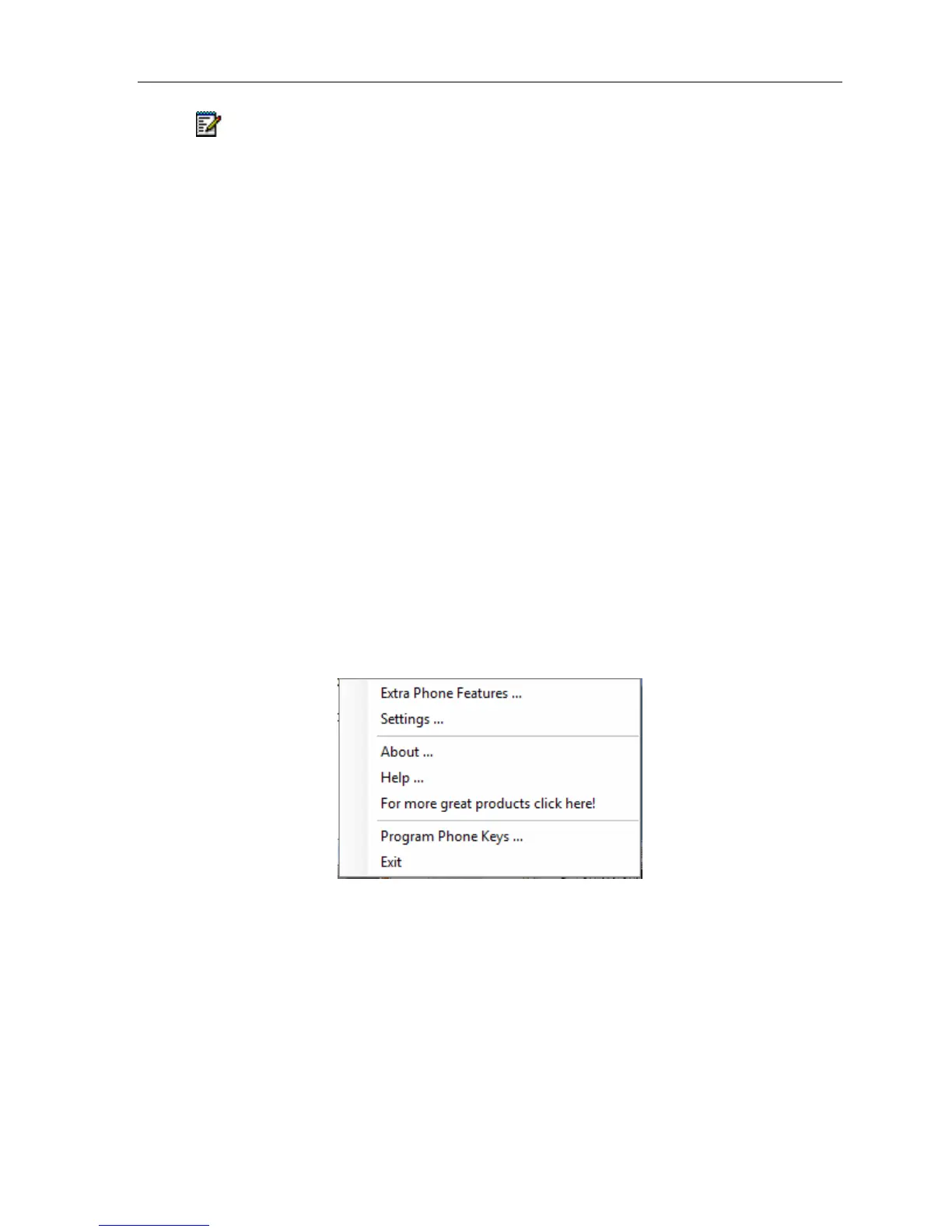
Clicking on the small button at the right of the Telephony Toolbar causes the Telephony
Toolbar menu to appear, with the following menu choices:
Telephony Toolbar – Telephony Toolbar Menu





 To Next Page