5330/5340 IP Phones – User Guide
- 21 -
up the Application. (see: “Associating the Integrated Office Companion Application to Your
Phone”)
To launch the Integrated Office Companion Application, click the Windows Start menu and
navigate to Mitel → Integrated Office Companion.
Registering the Integrated Office Companion Application
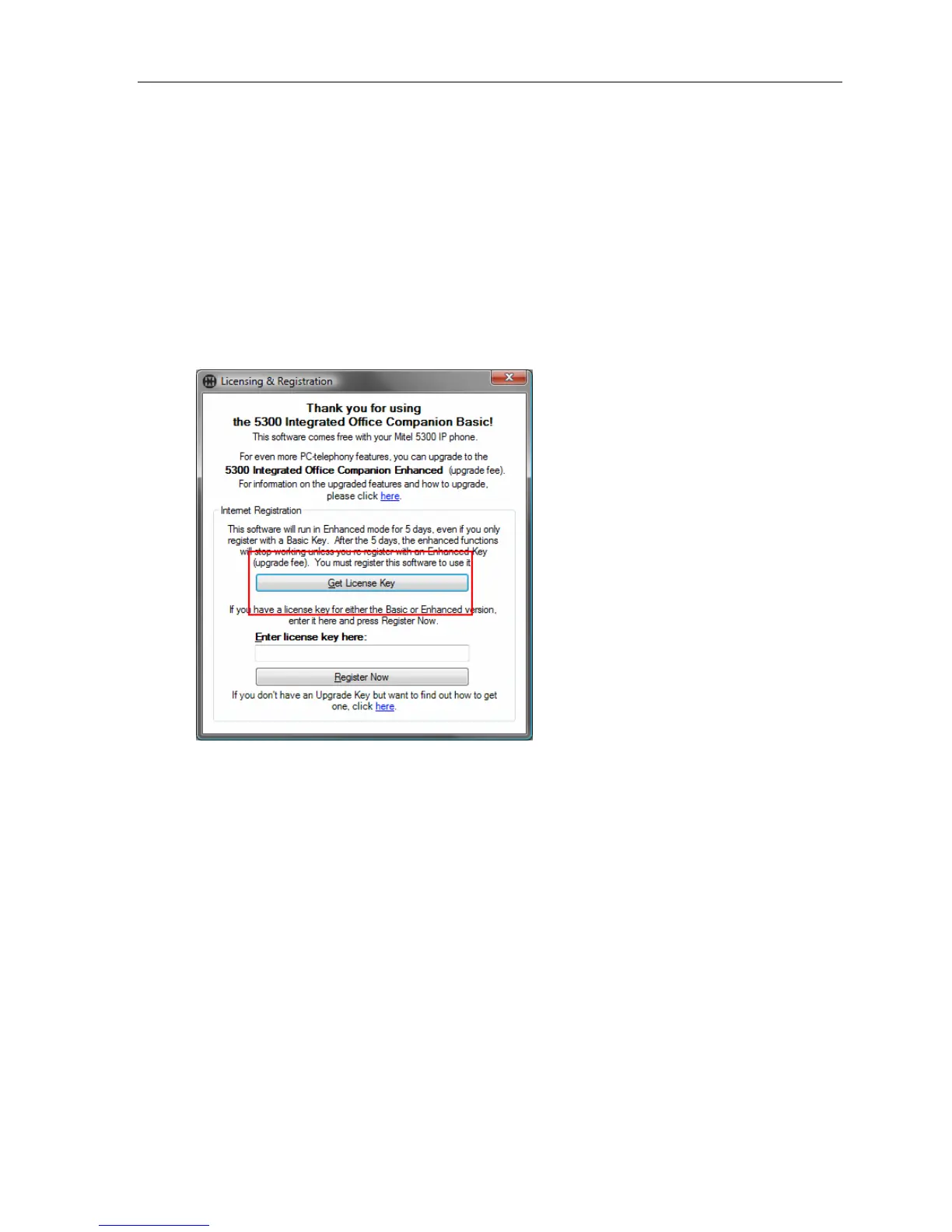
When you run the Integrated Office Companion for the first time, you will be required to
register your copy. A registration dialog will automatically appear.
Click Get License Key to acquire a Trial Registration key.
This will take you to an online registration web page. Fill out the form and a Trial License Key
will be emailed to you. The trial key will give you full basic functionality and a five-day trial of
the enhanced functionality.





 To Next Page