PROMPTS AND SQFbKEYS
The Softkeys are . . .
the row of five unmarked keys right below the LCD. These keys
perform different functions at different times, so their identities are
shown by the prompts which appear above them on the LCD.
During normal call-handling, the prompts indicate the types of calls
ringing in (LDN 1, LDN 2, LDN 3, DIALO, and RECALL). When you press
the softkey directly below the prompt, you will answer that particular
type of call. If a softkey does not have a prompt over it, then pressing
the key has no effect.
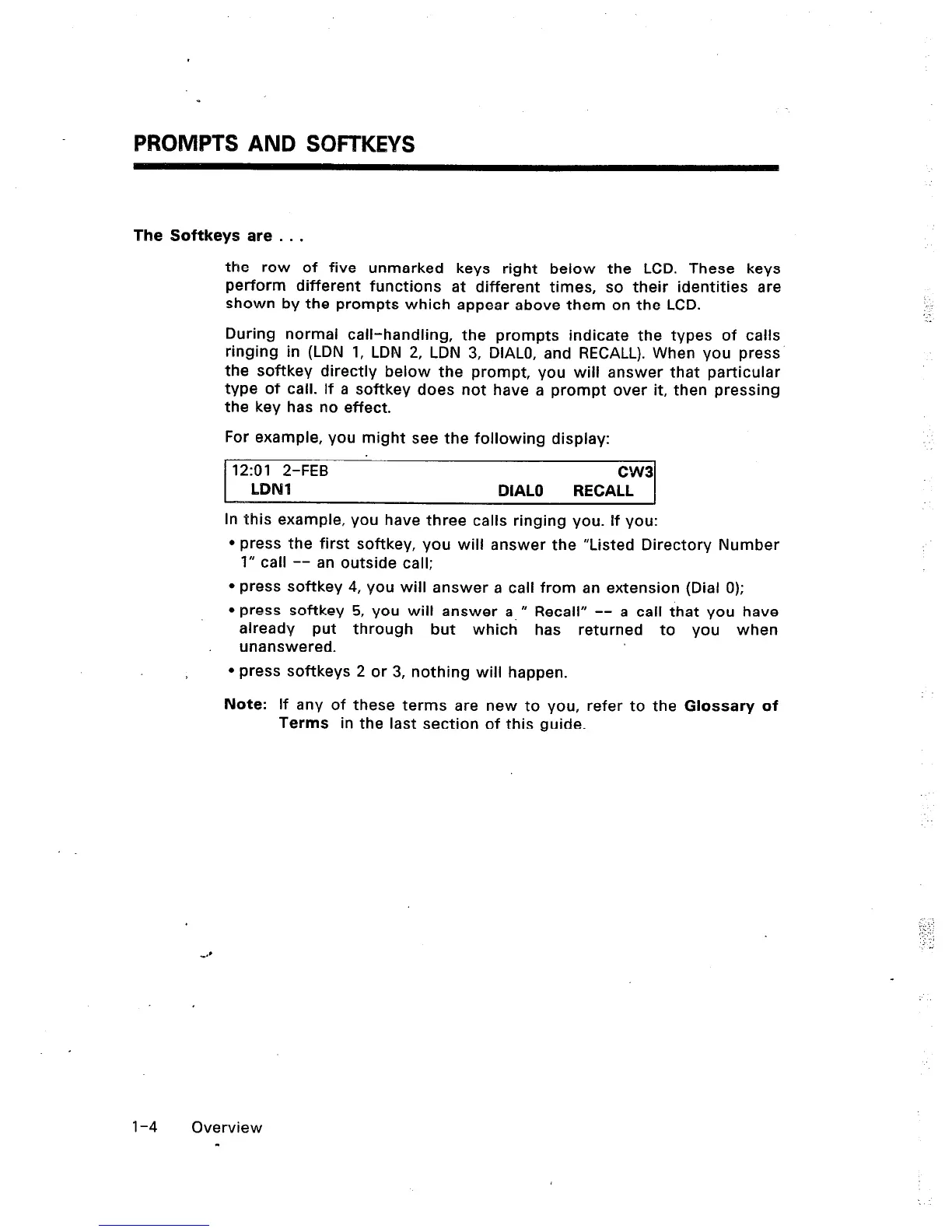
For example, you might see the following display:
12:Ol 2-FEB
CW3
LDNl
DIAL0 RECALL
In this example, you have three calls ringing you. If you:
l
press the first softkey, you will answer the “Listed Directory Number
1” call -- an outside call;
* press softkey 4, you will answer a call from an extension (Dial 0);
epress softkey 5, you will answer a, M Recall” -- a call that you have
already put through but which has returned to you when
unanswered.
l
press softkeys 2 or 3, nothing will happen.
Note: If any of these terms are new to you, refer to the Glossary of
Terms in the last section of this guide.
: -
.
l-4
Overview
-













 To Next Page