ALARMS
Whenever the system diagnoses a fault . . .
in its operation, however slight, it gives you warning as an alarm. In
some cases, the system takes part of the equipment out of service
(“busies-out” the equipment) to minimize the effect of the fault on the
operation of the rest of the system.
The types of faults which may occur fall into the following categories:
l
Total Power Failure
l
Console Faults
l
Minor Faults
Let’s look at each of these faults and how to deal with them.
Total Power Failure
If there is an electrical supply failure, the console display goes blank
and you will have no response to any key you press. Under these
conditions, the system may change, if so programmed, to a mode of
operation called “Power Failure Transfer”. This means that the system
connects a number of preselected extensions directly to outside lines
from the local public telephone network. You may have one of these
emergency telephones to use to call the maintenance department, for
example.
When the power supply returns, the system resumes operation, but the
time and date need to be reset. (See Setting Time and Date 4-22.)
Note: If the system exhibits the signs of power failure, but you know
that the electricity has not failed, there must be a fault inside
the system. Inform your communications department or
maintenance personnel immediately.
Console Faults
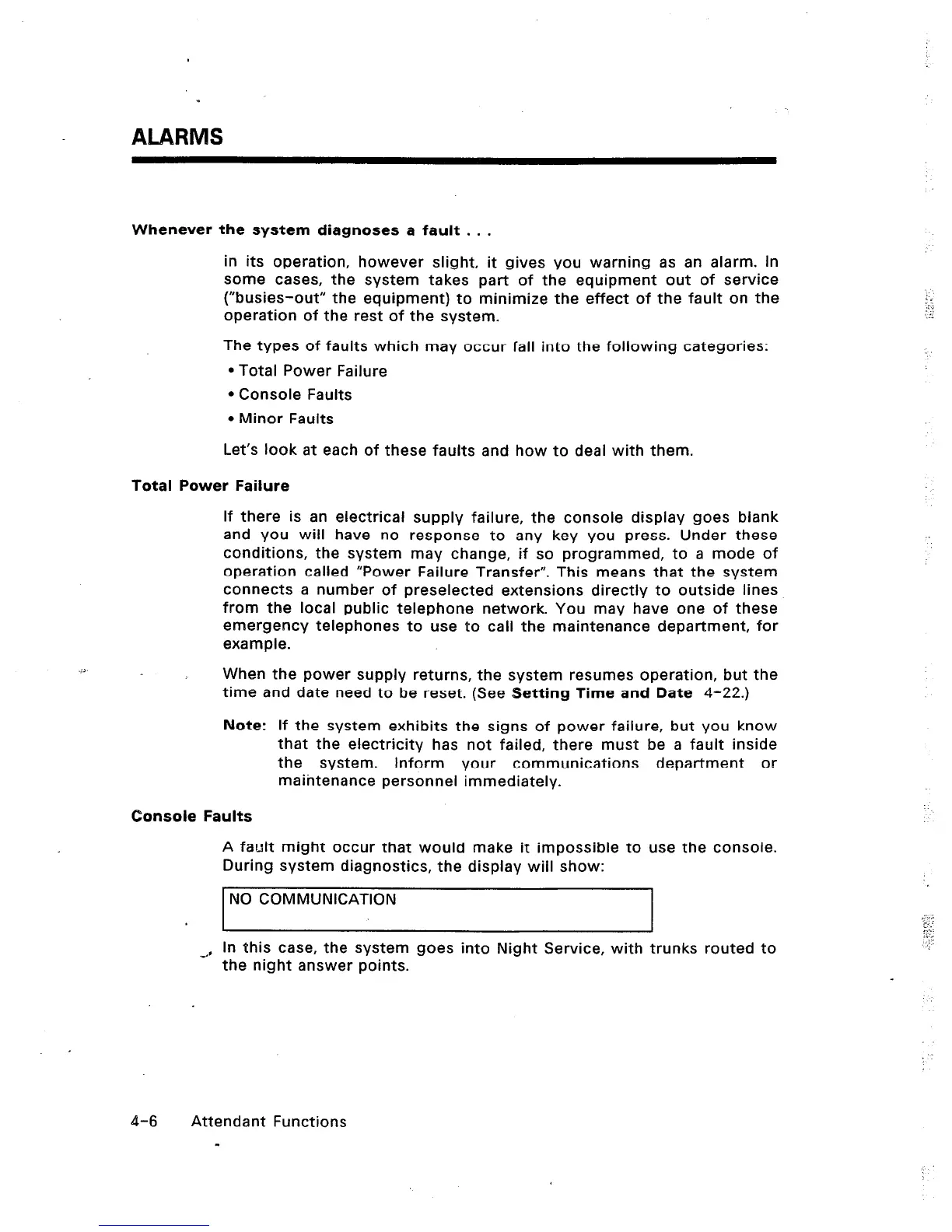
A fault might occur that would make it impossible to use the console.
During system diagnostics, the display will show:
NO COMMUNICATION
1
I
~, In this case, the system goes into Night Service, with trunks routed to
the night answer points.
:.:
t.1
: L.
;.,, 1
i, :
:..::
:i;;
; :
4-6 Attendant Functions
-













 To Next Page