ANSWERING INCOMING CALLS
The ANSWER Key . . .
lets you answer a single call or the longest
categories on a “first come, first served” basis.
waiting call in all
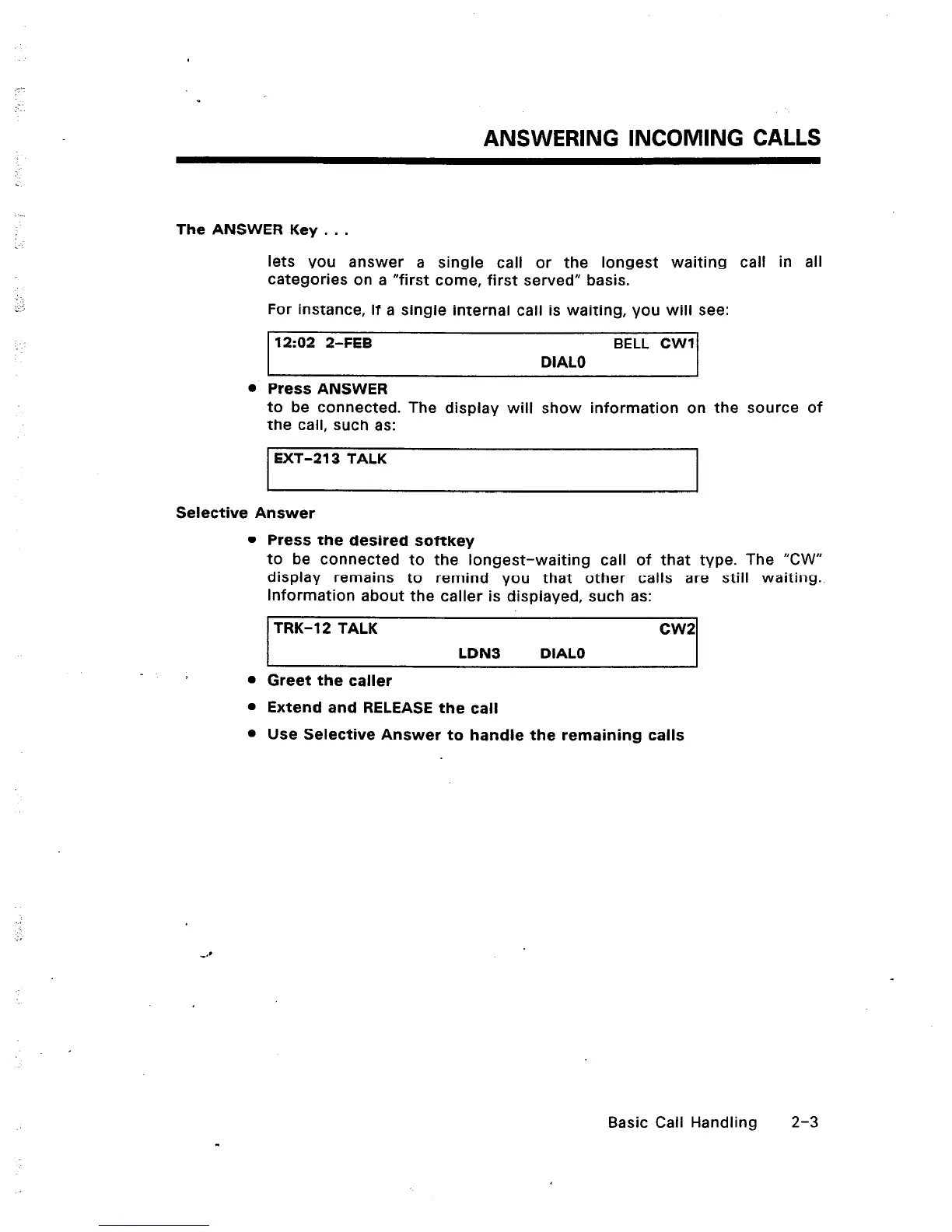
For instance, if a single internal call is waiting, you
will see:
12:02 2-FEB BELL CWI
DIAL0
l
Press ANSWER
to be connected. The display will show information on the source of
the call, such as:
1 EXT-213 TALK
Selective Answer
l
Press the desired softkey
to be connected to the longest-waiting call of that type. The “CW”
display remains to remind you that other calls are still waiting.
Information about the caller is displayed, such as:
TRK-12 TALK cw2
LDN3 DIAL0
l
Greet the caller
l
Extend and RELEASE the call
l
Use Selective Answer to handle the remaining calls
Basic Call Handling 2-3













 To Next Page