FEATURE KEYS
Feature Key Functions
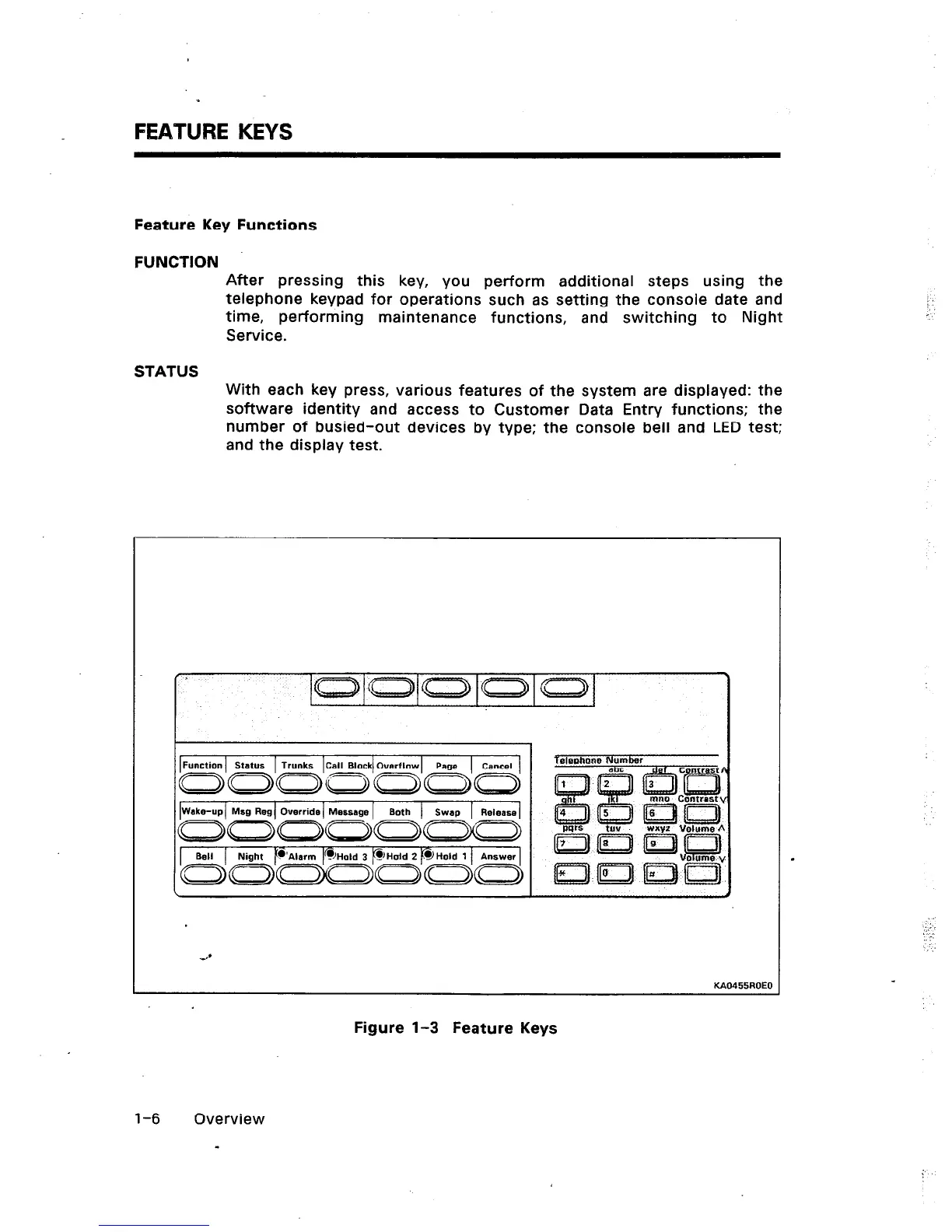
FUNCTION
After pressing this key, you perform additional steps using the
telephone keypad for operations such as setting the console date and
time, performing maintenance functions, and switching to Night
Service.
STATUS
With each key press, various features of the system are displayed: the
software identity and access to Customer Data Entry functions; the
number of busied-out devices by type: the console bell and LED test;
and the display test.
Wake-up Msg Reg Override Message Both Swap Releasa
KAO455ROEO
Figure l-3 Feature Keys
j
.
l-6 Overview













 To Next Page